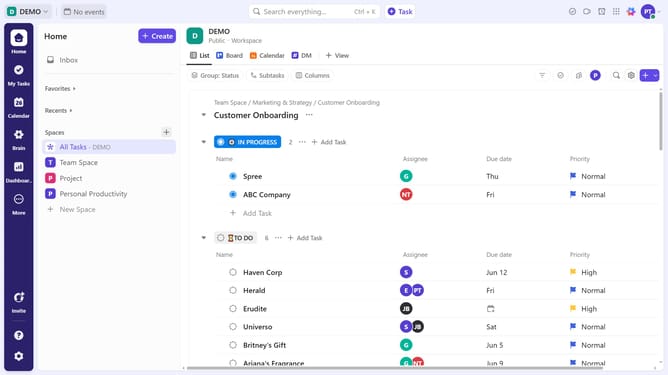
How to add a start date from Board view in ClickUp
Here is how to add a start date from board view in clickup
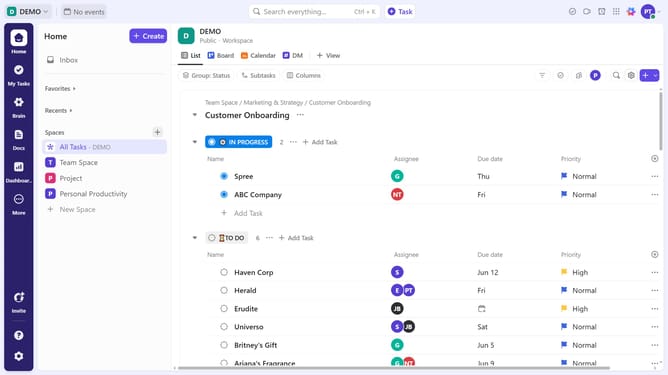
- First, navigate to the Board view from the views bar at the top navigation menu
- Locate the task you want to set a start date for
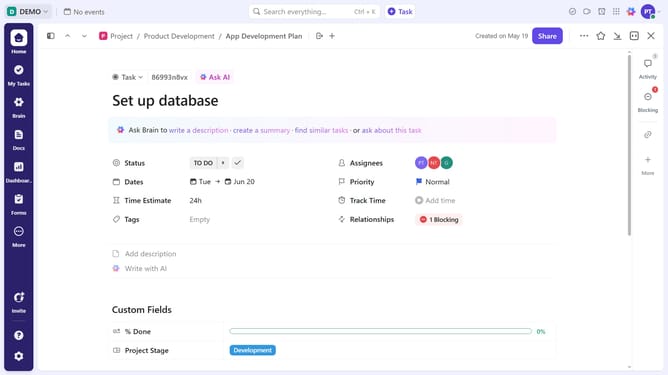
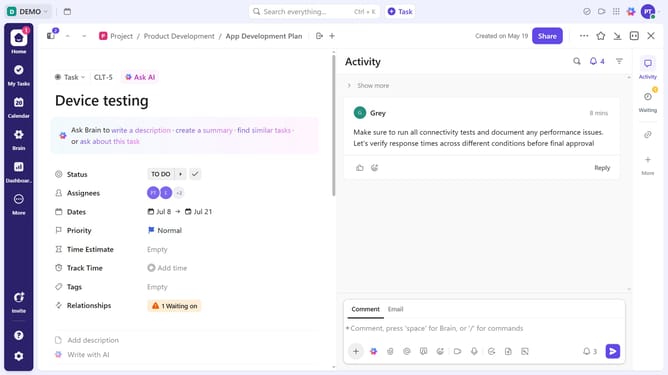
- Next click the calendar icon to open the date selector
- Click on "Start date" field in the date picker popup
- Select a start date in the calendar view
- To add time, click on "Add time" field
- Then select your preferred time from the time dropdown menu
- You can also add a due date if needed
Why should you add a start date from Board view in ClickUp
ClickUp is a versatile productivity platform designed to streamline work processes and enhance collaboration.
One valuable feature in ClickUp is the ability to add a start date directly from the Board view. This allows users to effortlessly schedule and visualize tasks within their workflow. By setting start dates, teams can implement effective time management and better anticipate project timelines.
This feature not only aids in prioritizing tasks but also increases team accountability and ensures that everyone is aligned with project milestones.
Last update