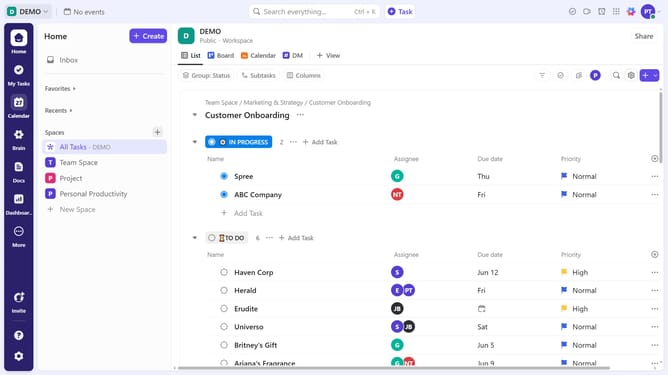
How to add a card to an existing dashboard in ClickUp
Here is how to add a card to an existing dashboard in clickup
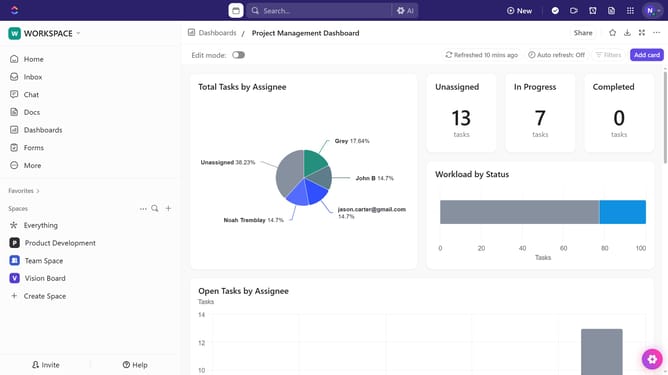
- First open the dashboard where you want to add a card
- Next, toggle on "Edit mode" from the dashboard header
- Click on the "Add card" button in the top-right corner
- Then browse or search for the type of card you need (e.g., charts, tables, time tracking)
- Finally select the card you want to add
- Card successfully added and you can adjust its settings as needed
Why should you add a card to an existing dashboard in ClickUp
ClickUp is a versatile productivity platform designed to streamline work and enhance collaboration.
Add a card to an existing dashboard in ClickUp effortlessly enhances your workspace, showcasing key data at a glance.
This feature enables users to present complex information succinctly, ensuring everyone stays informed. By customizing dashboards, teams can prioritize tasks effectively, fostering productivity and improving project management.
Overall, this functionality helps maintain focus and aligns team efforts seamlessly, driving success in any project.
Last update