How to set a Calendar view as private in ClickUp
Here is how to set a calendar view as private in clickup
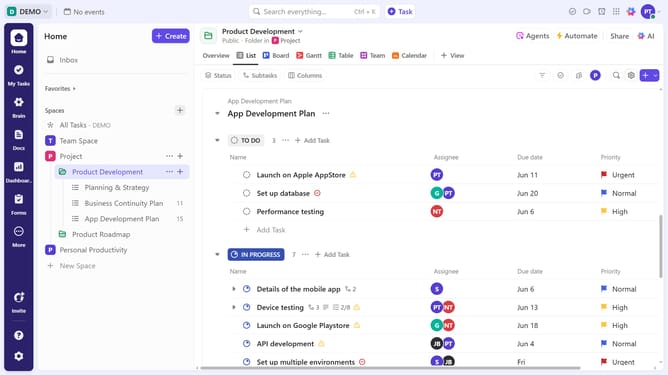
- First navigate to the Space, Folder, or List where the calendar view is located
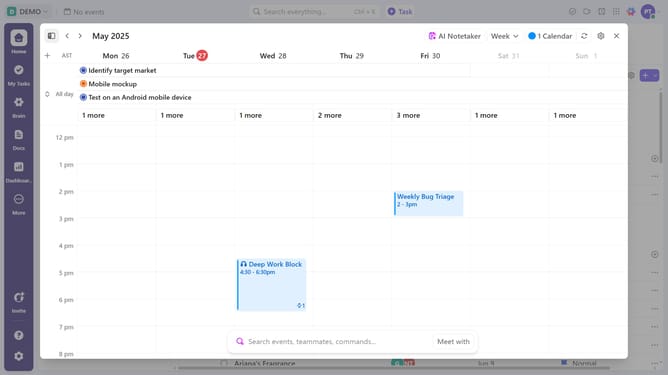
- Then click on the Calendar view you want to set as private in the top navigation menu
- Next click "Customize" in the top right corner
- Then click on "Private view" toggle switch in the Customize view panel
- The calendar view will now be visible only to you and any selected team members
Why should you set a Calendar view as private in ClickUp
ClickUp is an all-in-one productivity platform designed to streamline teamwork and project management.
Setting a Calendar view as private in ClickUp ensures your schedule is secure, offering peace of mind and enhanced focus. With this feature, maintain confidentiality by keeping critical timelines visible only to those who need to know.
Privacy in scheduling allows for better control over your work environment, reducing information overload for team members. It boosts productivity by allowing you to organize tasks without distractions or external input until you're ready.
Last update