How to customize task colors in Calendar view in ClickUp
Here is how to customize task colors in calendar view in clickup
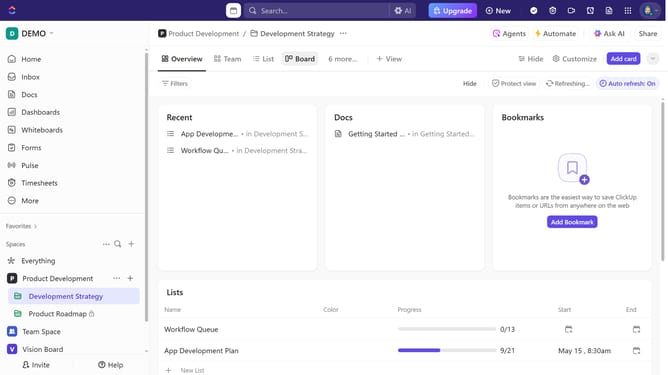
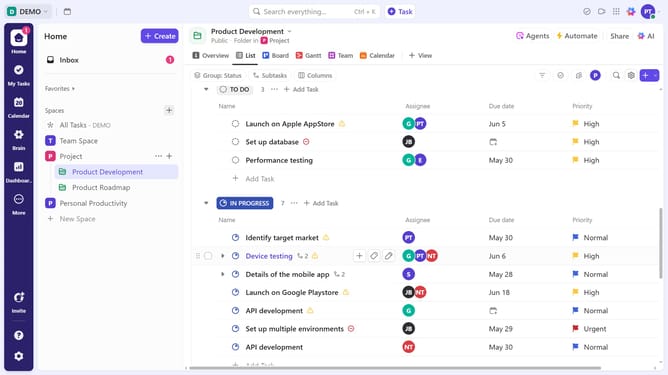
- First click on the Calendar view you want to customize in the Views Bar
- Next click on "Customize" button in the top toolbar
- Click on "Layout options" in the customize sidebar menu
- Then click on "Color tasks by" dropdown in the layout options panel
- From the color tasks dropdown menu, choose either List (colors tasks by its assigned List) or Status (colors tasks by their progress)
Why should you customize task colors in Calendar view in ClickUp
ClickUp is a versatile productivity platform designed to streamline team collaboration and boost project efficiency.
One standout feature is the ability to customize task colors in the Calendar view. This empowers users to visually organize and prioritize their workload, enhancing clarity and focus.
By assigning specific colors to tasks, team members can quickly identify urgent deadlines, categorize types of work, or even track project phases. This feature not only elevates visual management but also fosters a more cohesive workflow atmosphere.
Last update