How to enable Time Estimates for an individual Space in ClickUp
Here is how to enable time estimates for an individual space in clickup
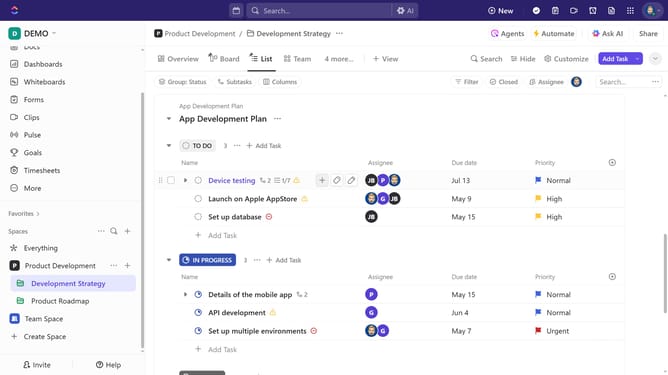
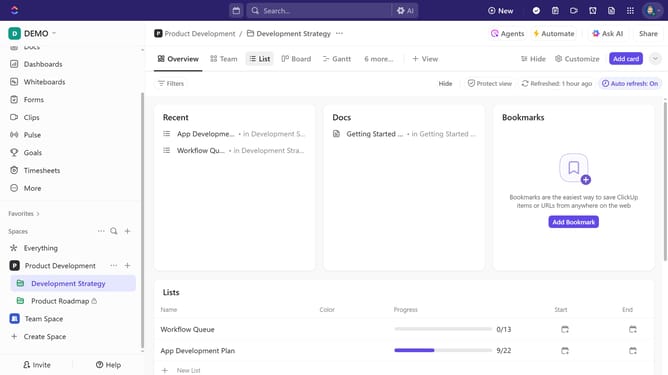
- First in the left sidebar, click the ellipsis (...) next to a Space
- In the context menu, select "Space settings" option
- From the Space settings submenu, click on "ClickApps" option
- In the ClickApps settings, locate and click on "Time Estimates" option to enable it
- Then click the "Done" button
- Finally in the Space settings dialog, click "Save changes" button to apply Time Estimates to the Space
Why should you enable Time Estimates for an individual Space in ClickUp
ClickUp is an all-in-one productivity platform designed to eliminate work silos and promote team efficiency.
Enabling Time Estimates for an individual Space in ClickUp allows teams to predict project timelines more accurately. This feature helps allocate resources effectively, fostering a balanced workload and increasing overall productivity.
By using Time Estimates, teams can set realistic goals, manage expectations, and ensure timely project delivery. It provides transparency and enhances communication within the team, making it a powerful tool for project management.
Last update