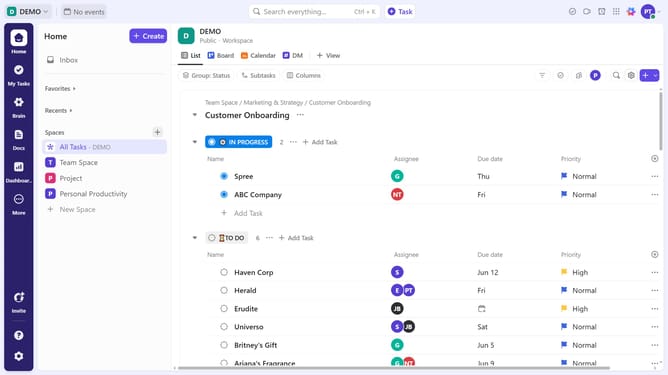
How to view all apps in ClickUp
Here is how to view all apps in clickup
- First click your Workspace avatar in the top left corner
- Next click on "App Center" option in the workspace settings menu
- Then from the App Center, click "All Apps" to view the apps available to connect to ClickUp
- Use the "Search apps" field in the top-right corner to find a particular app
- Finally use the left sidebar to browse apps by category, making it easier to find relevant integrations
Why should you view all apps in ClickUp
ClickUp is a comprehensive productivity platform designed to streamline work processes and enhance team collaboration.
Understanding how to view all apps in ClickUp can significantly boost your efficiency. This feature allows users to visualize and manage the myriad of integrations and applications connected to their ClickUp workspace.
By easily accessing all apps, users can ensure optimal functionality and alignment with their workflow, empowering teams to maintain peak productivity and focus on achieving their goals seamlessly.
Last update