How to rename a folder in ClickUp
Here is how to rename a folder in clickup
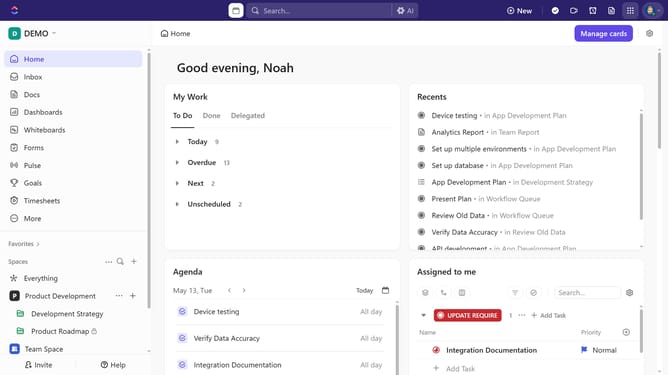
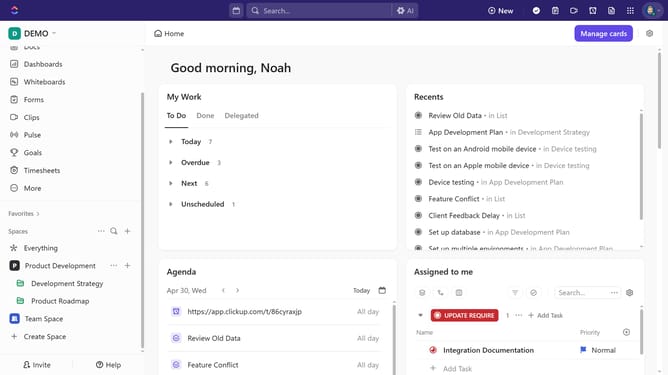
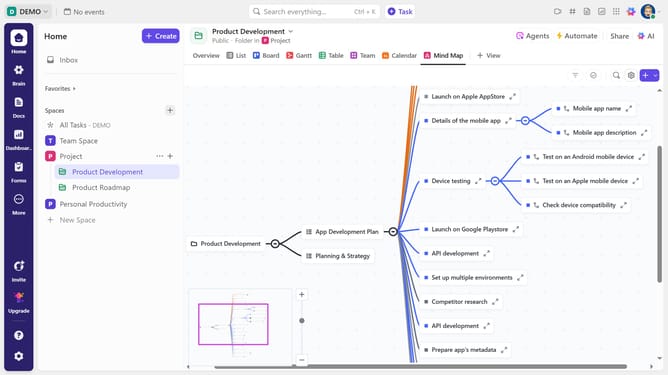
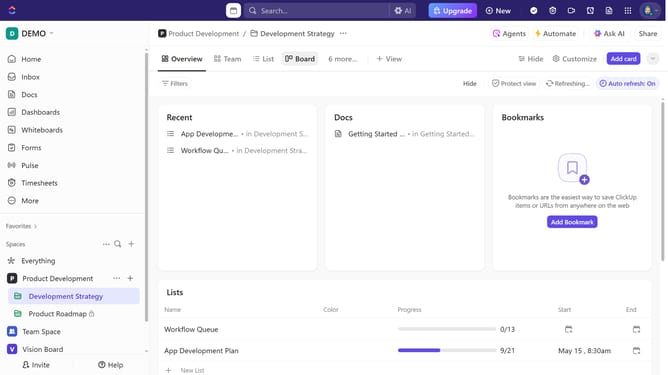
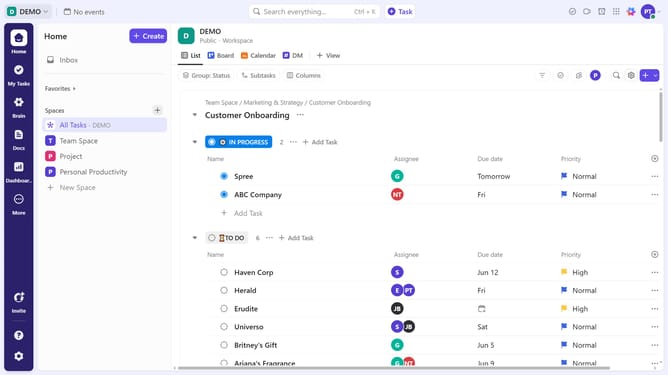
- First, in the left sidebar, find the Space that contains the folder you want to rename
- Then, click the Space dropdown to reveal its contents
- Next click on the "more options" button (three dots) next to the folder name
- Click on "Rename" option from the dropdown menu
- Finally, type the new folder name and press "Enter" or click outside the field to save
Why should you rename a folder in ClickUp
ClickUp is a versatile productivity platform designed to streamline project management and collaboration.
Renaming a folder in ClickUp boosts organization and enhances workflow efficiency. This simple yet powerful feature allows users to maintain clarity and precision in their project structures.
Ensuring folder names accurately reflect their contents helps team members quickly locate information, reducing time spent searching and increasing focus on crucial tasks.
Ultimately, this feature supports a more productive and stress-free work environment, making project navigation effortless and intuitive.
Last update