How to add columns to the Gantt sidebar in ClickUp
Here is how to add columns to the gantt sidebar in clickup
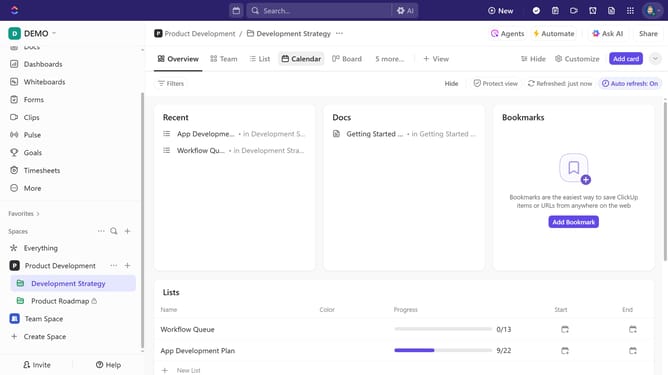
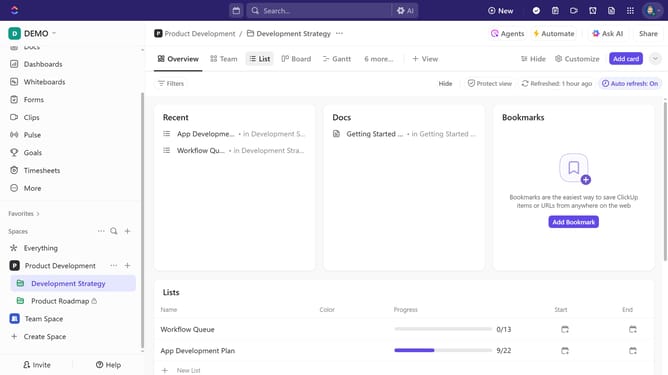
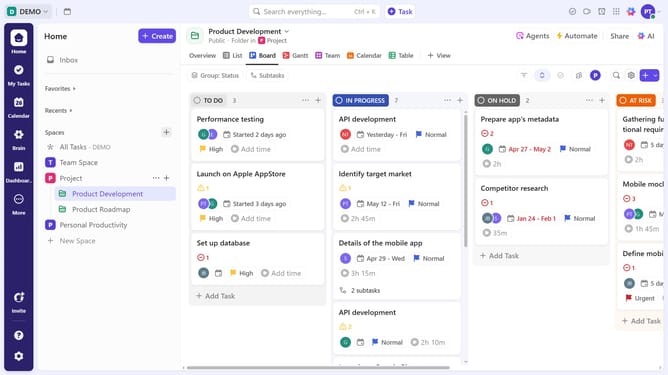
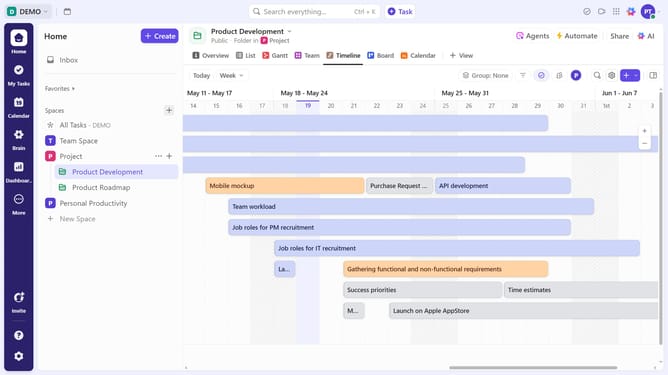
- First, click on your Gantt view in the Views Bar at the top
- Next click the plus (+) icon in the top right of the Gantt sidebar
- From the Fields sidebar, enable each field or Custom Field you want to display
Why should you add columns to the Gantt sidebar in ClickUp
ClickUp is an all-in-one productivity platform designed to streamline your workflow.
Effortlessly enhancing your project management, ClickUp's Gantt chart feature allows you to add columns to the sidebar, giving you a customizable view of your tasks.
This feature empowers you to visualize data more effectively, enabling a snapshot of crucial project details right at your fingertips.
By organizing tasks and timelines with greater precision, your team maintains focus, improving collaboration and boosting overall productivity.
Last update