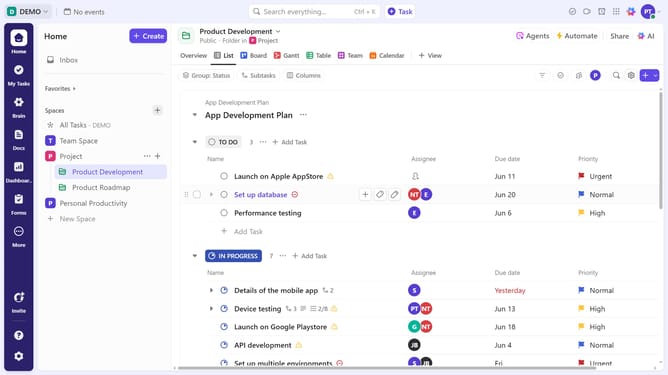
How to rename a favorited item in ClickUp
Here is how to rename a favorited item in clickup
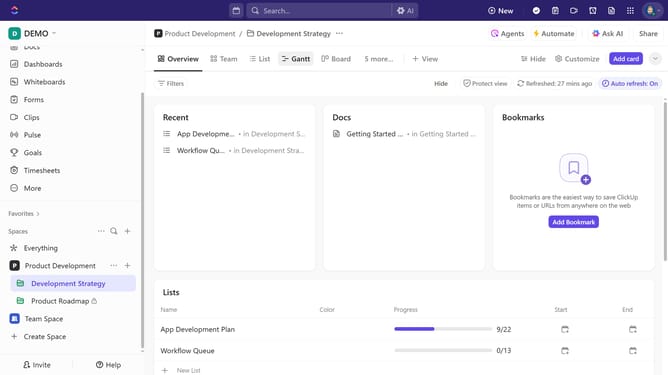
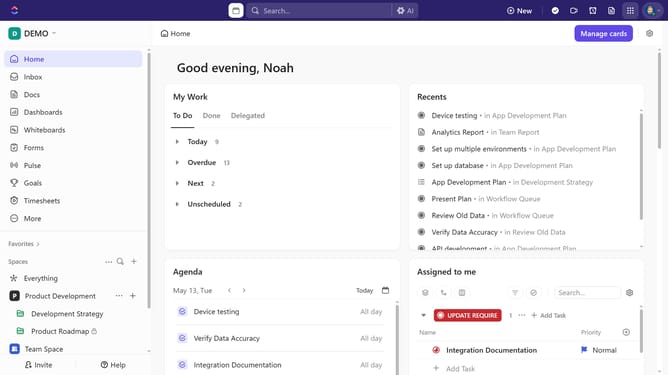
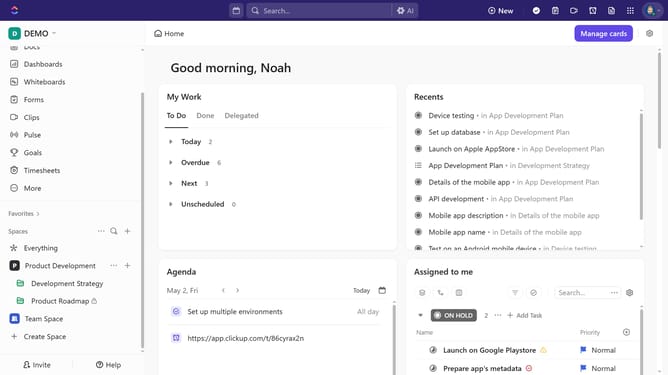
- First click on the "Favorites" menu in the left sidebar to open it
- Next right-click the favorited item you want to rename
- Alternatively, hover over it and click the options menu (three dots)
- Then click on the "Rename" option in the dropdown menu
- Finally rename the item by entering the new name and press Enter (PC) or Return (Mac)
Why should you rename a favorited item in ClickUp
ClickUp is a versatile project management tool designed to streamline workflow and increase productivity.
The ability to rename a favorited item in ClickUp is a subtle yet impactful feature that allows users to personalize their workspace effortlessly.
Renaming helps in organizing saved items more effectively and provides clarity, which is essential for quickly locating tasks or projects.
This feature enhances user experience by allowing for more intuitive and customized navigation, ultimately leading to more efficient project management.
Last update