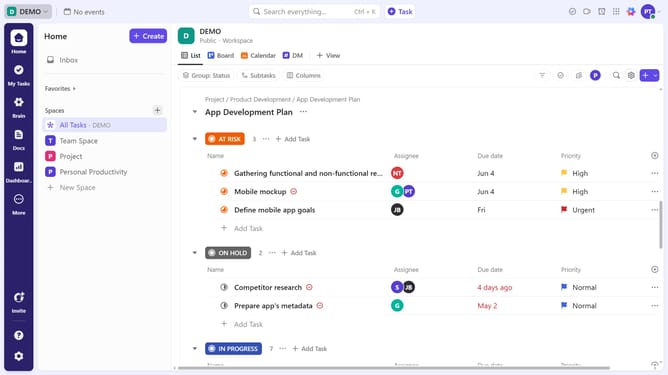
How to refresh a dashboard in ClickUp
Here is how to refresh a dashboard in clickup
- First open the dashboard you want to refresh, click the "Refresh" icon in the top-right corner
- Then, the dashboard will load and refresh for a few seconds
- The dashboard has now refreshed and will display the latest data
- You can also enable "Auto Refresh" to automatically update data at regular intervals, based on your preference
Why should you refresh a dashboard in ClickUp
ClickUp is a dynamic productivity platform designed to make work easy and efficient.
Refreshing a dashboard in ClickUp ensures that you are always viewing the most up-to-date information available.
This feature is essential for teams that rely on real-time data, ensuring accurate decision-making and seamless collaboration.
Keeping a dashboard current empowers users to act swiftly and with confidence, maintaining a competitive edge in fast-paced environments.
Last update