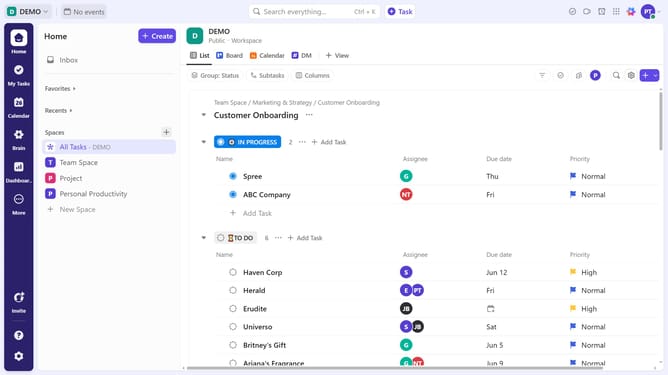
How to set Time Estimates from a view in ClickUp
Here is how to set time estimates from a view in clickup
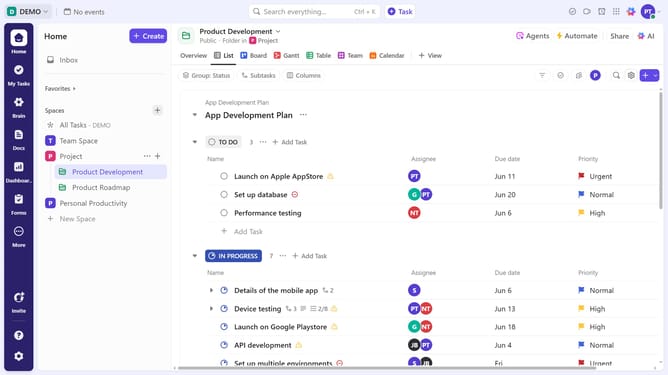
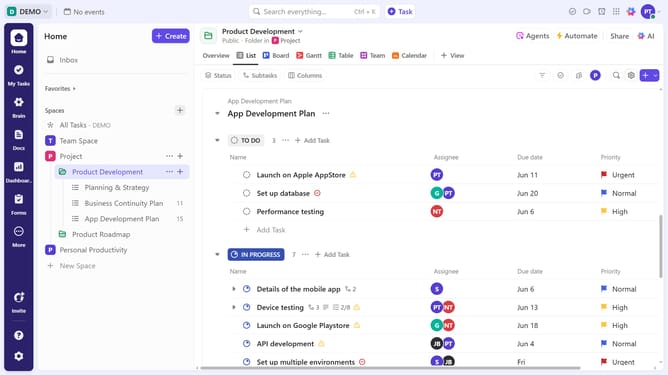
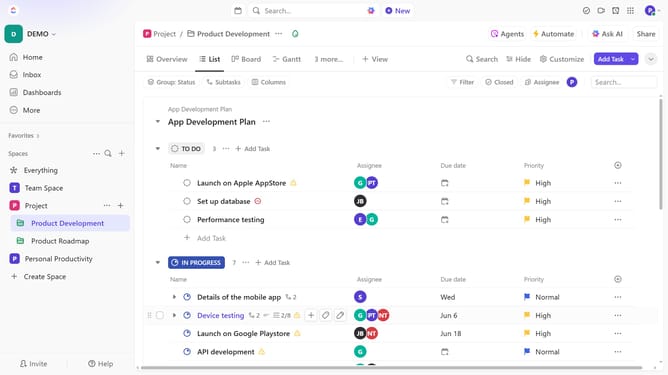
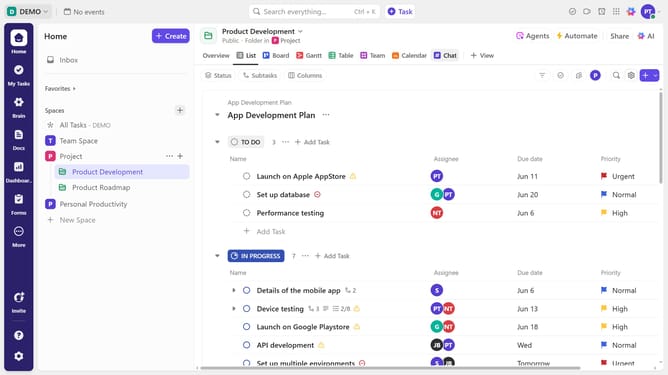
- First navigate to your preferred view (List, Table, Gantt, or Team view, etc)
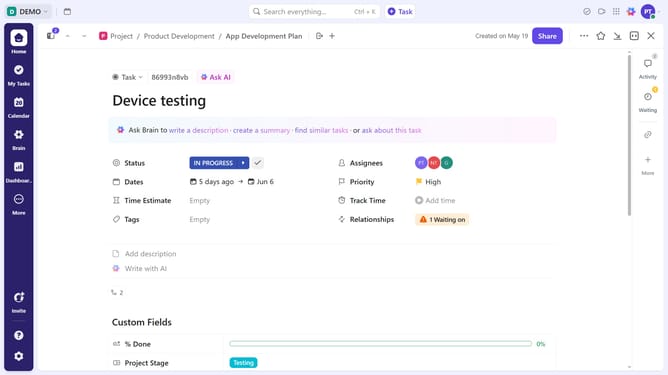
- Next click on the time estimate field next to a task
- Then enter the estimated time using natural language (e.g., "1 hour" or "30 mins")
Why should you set Time Estimates from a view in ClickUp
ClickUp is a versatile productivity platform designed to efficiently manage tasks and workflow.
Setting Time Estimates from a view in ClickUp allows you to streamline your project planning by assigning realistic timelines to tasks directly from your workflow view.
This feature provides better time management and accountability, enhancing team productivity and ensuring project deadlines are met consistently. It empowers teams to allocate resources perfectly, minimizing delays and maximizing efficiency.
By offering clarity, it ensures that everyone stays on the same page, boosting collaboration and success rates.
Last update