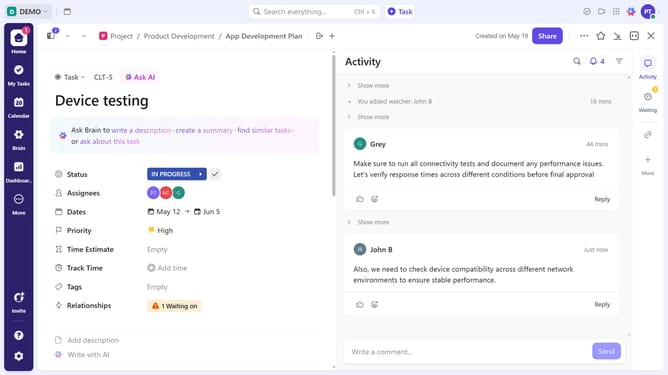
How to create a checklist in ClickUp
Here is how to create a checklist in clickup
- First, in the left sidebar, select the Folder or List that contains the task where you want to add a checklist
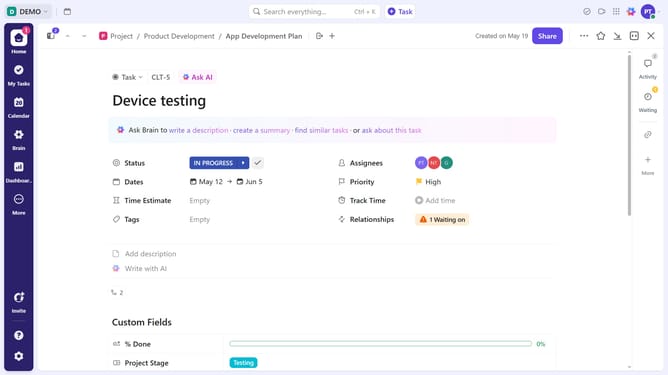
- Then in your preferred view, click on the task from the task list
- In the task details, find the "Checklists" section
- Next click on "Create Checklist" button
- Click on the name field to enter checklist name
- To add checklist item, enter a name and click "Enter"
- Next click on "New checklist item" to add another item
- Checklist successfully created and is now ready for tracking progress
Why should you create a checklist in ClickUp
ClickUp is an all-in-one productivity platform designed to streamline tasks and team collaboration.
The ability to create checklists in ClickUp helps users stay organized. It simplifies task management by offering an intuitive way to break down tasks into manageable steps.
This feature is perfect for prioritizing work and ensuring nothing is overlooked, boosting efficiency and productivity.
Using checklists, users can easily visualize progress, fostering accountability and ensuring goals are met on time.
Last update