How to create a Gantt view in ClickUp
Here is how to create a gantt view in clickup
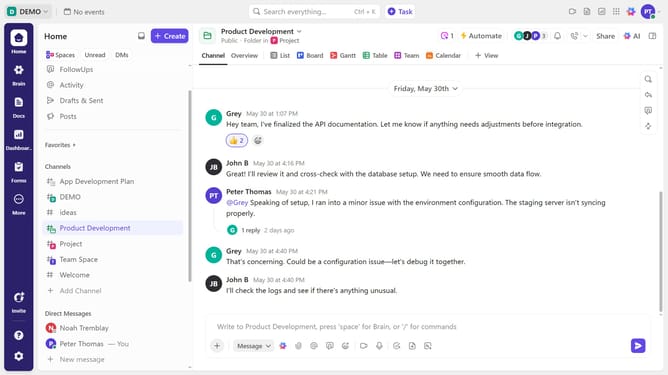
- First in left sidebar menu, navigate to the location (Space, Folder, or List) where you want to add a Gantt view
- Next click "+ View" button in the top navigation bar
- Select "Gantt" view option from the available view options
- In the customize view panel, enter a name for the Gantt view
- Then, adjust additional settings as needed to further customize the view
Why should you create a Gantt view in ClickUp
ClickUp is a versatile project management tool designed to optimize productivity.
Creating a Gantt view in ClickUp allows teams to visualize project timelines, enhancing planning and execution.
It offers a clear visual representation of tasks, dependencies, and deadlines, ensuring all team members are aligned.
The Gantt view streamlines collaboration and aids in tracking progress efficiently, ultimately boosting team efficiency and project success.
Last update