How to access the App Center in ClickUp
Here is how to access the app center in clickup
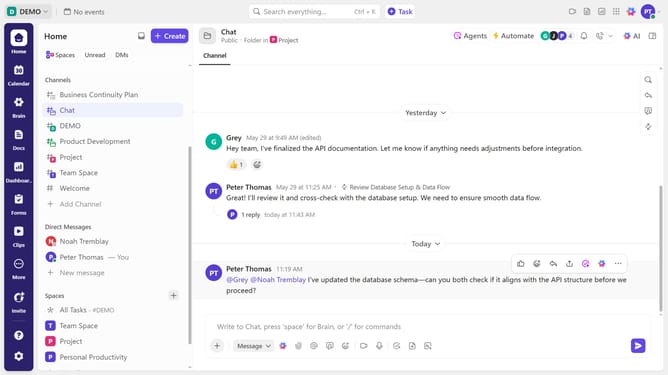
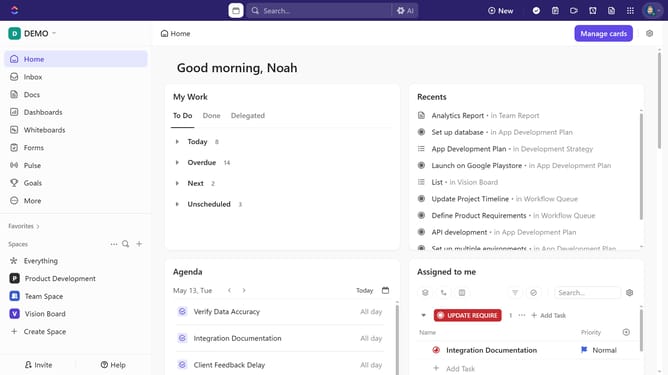
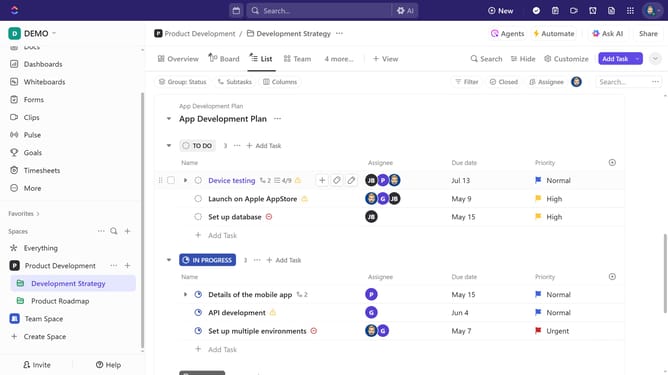
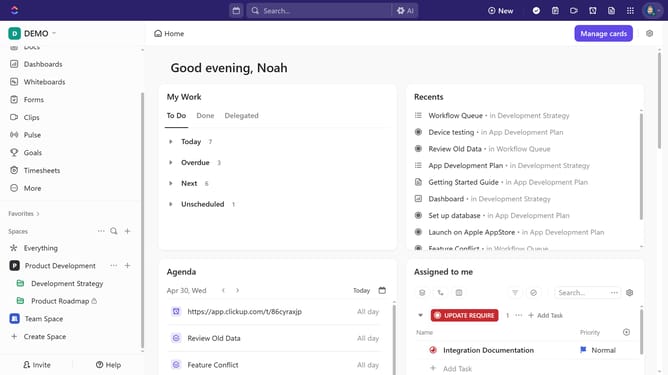
- First click on the search field in the top header
- Next click in the search input box and start typing "App Center"
- Then click on the "Open App Center" command that appears in the search results
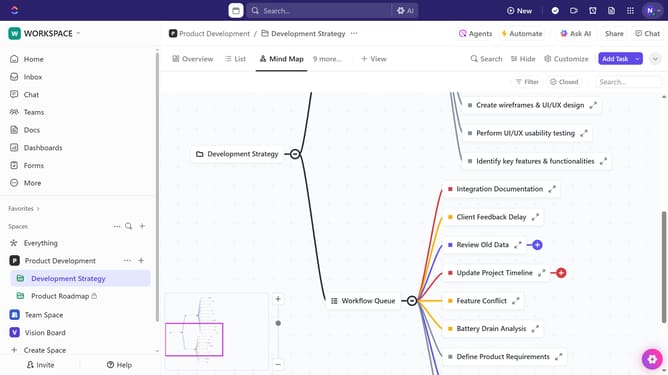
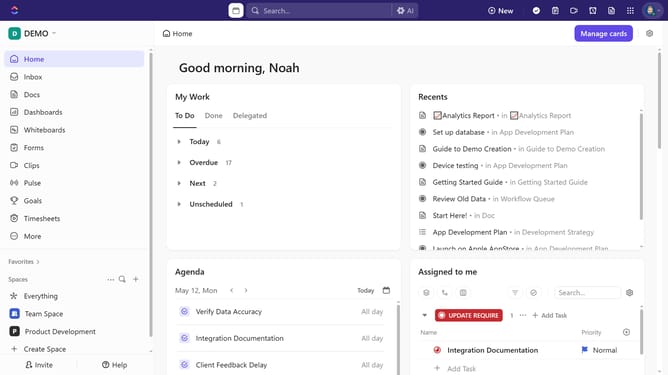
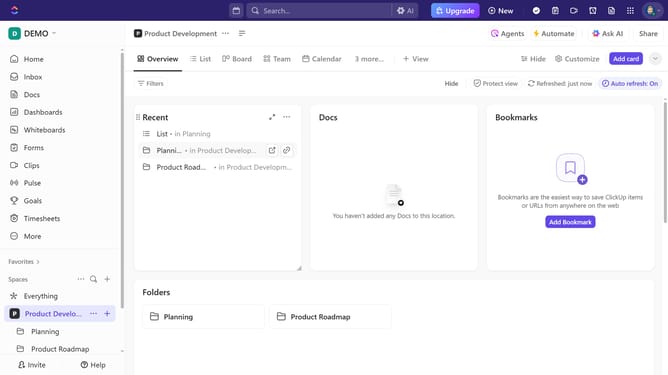
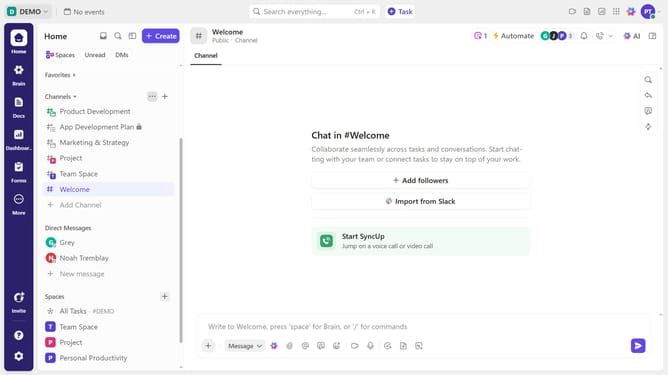
- Alternatively, click on the Workspace name in the upper-left corner
- Then select "App Center" from the workspace dropdown menu
- Once inside the App Center, you can view all available apps, connect integrations, and manage ClickApps for your Workspace
Why should you access the App Center in ClickUp
ClickUp is a versatile productivity platform that centralizes all your work into one easy-to-manage spot.
Accessing the App Center in ClickUp opens up a world of integrations and tools that can enhance your workflow. By navigating to the App Center, you unlock the potential to customize your work environment with apps that fit your needs.
Utilizing the App Center ensures you streamline processes, foster collaboration, and boost overall efficiency in your day-to-day tasks, making project management seamless and intuitive.
Last update