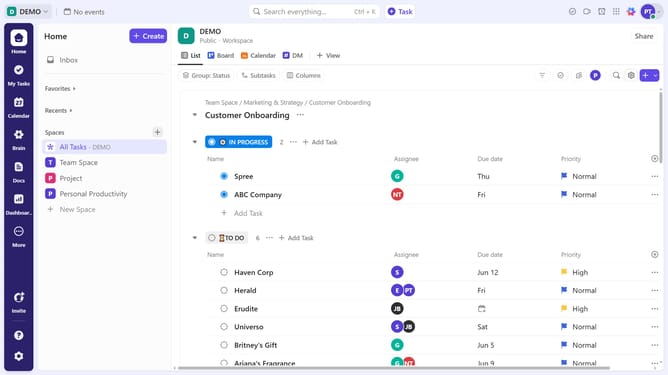
How to share a folder in ClickUp
Here is how to share a folder in clickup
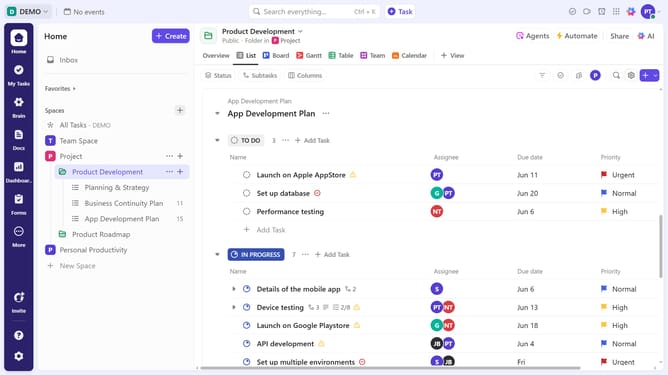
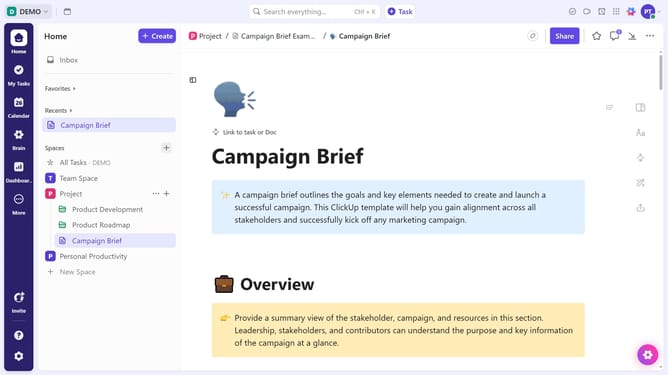
- First in the left sidebar, locate the folder you want to share
- Next click on the "More options" menu (three dots) next to the folder
- Select "Sharing & Permissions" from the dropdown menu
- Next, in the sharing dialog, click on "Copy link" and share the copied link with the people you want to give access to the Folder
- Alternatively, click on the "Invite by name or email" input field
- Enter the email address of the person you want to invite and click on the suggested email
- To add another recipient, click again on the "Invite by name or email" field
- Next click on the "Access" dropdown menu to set permissions level
- Select permissions from the expanded permissions menu
- Finally click "Send Invite" button to share the folder via email
Why should you share a folder in ClickUp
ClickUp is a versatile task management platform designed to streamline productivity and collaboration.
The ability to share a folder in ClickUp enhances team collaboration by allowing seamless access to important project materials.
With this feature, team members can quickly find and contribute to shared tasks, ensuring everyone remains informed and aligned on objectives.
Sharing folders in ClickUp makes collaboration efficient, boosting productivity through easy accessibility and improved team communication.
Last update