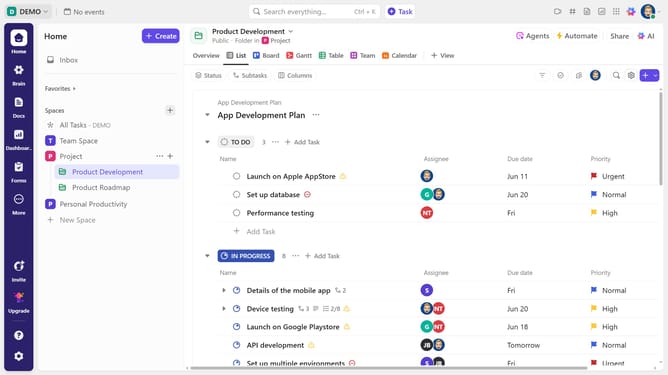
How to automatically assign new tasks to someone in ClickUp
Here is how to automatically assign new tasks to someone in clickup
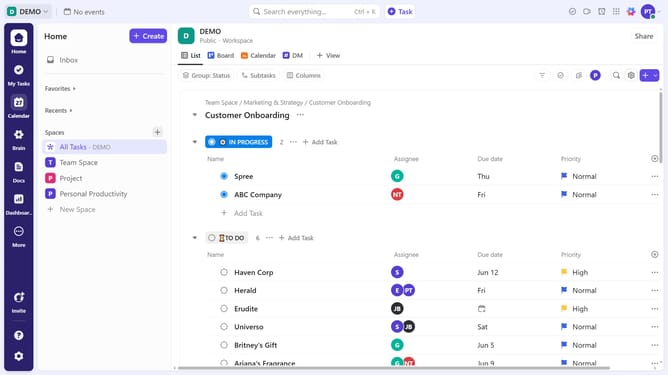
- First locate the List where you want the automatic assignment to apply
- Next click on the menu icon (three dots) next to the List name in the left sidebar or at the top of the List view
- From the dropdown menu, click on the "List settings" option
- Then click on "Automations" option in the List settings menu
- Click on "Creation" category in the left sidebar of Automations window
- Then select the automation rule "When Task Created then change assignee"
- Next click on "Select a user" dropdown in the Action section
- From the user list, select the team member you want to assign by default to new tasks in this List
- Finally click the "Create" button at the bottom right to save the automation
- Automation successfully created. All new tasks in this List will now be assigned to the chosen user automatically
Why should you automatically assign new tasks to someone in ClickUp
ClickUp is a versatile project management tool designed to consolidate all your work in one place.
The feature to automatically assign new tasks in ClickUp ensures seamless teamwork and boosts productivity by minimizing manual task allocation.
By leveraging this feature, teams can enhance efficiency by directing tasks instantaneously to the right individuals, ensuring that no task slips through the cracks.
This automation cultivates a more organized workflow, allowing team members to focus on their priorities and uphold project timelines without unnecessary delays.
Last update