How to save a checklist as a template in ClickUp
Here is how to save a checklist as a template in clickup
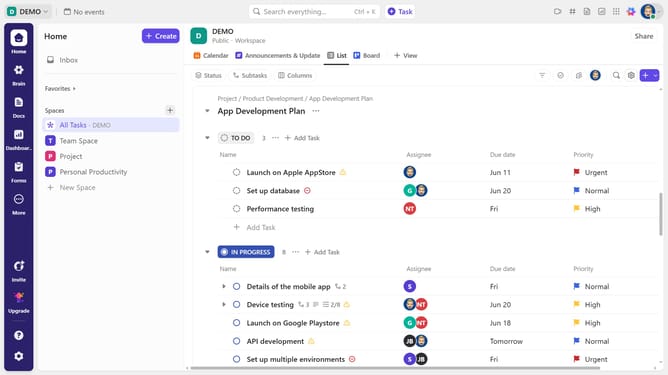
- First in the task list, find and click on the task containing the checklist
- Then in the task details view, scroll down to the "Checklists" section
- Locate the checklist you want save as a template
- Next click on the "More options" (three dots) in the right corner next to it
- Then click on "Save as Template" option from the dropdown menu
- Enter a name for the checklist template in the template name field
- Choose whether the template is visible to all members, only you, or specific individuals
- Finally click on "Save Template" button at the bottom of the modal window
- You have successfully saved your checklist as a template
Why should you save a checklist as a template in ClickUp
ClickUp is an all-in-one productivity platform designed to streamline tasks and boost efficiency.
One of its standout features is the ability to save a checklist as a template. This allows users to effortlessly replicate tasks without starting from scratch each time.
Utilizing this feature ensures consistency and saves time, making project management smoother and more organized.
With a checklist template, your team can maintain uniformity in processes, enhancing collaboration and productivity across the board.
Last update