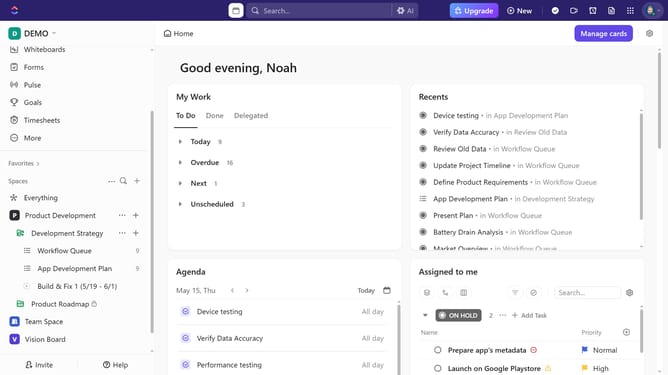
How to delete a Dependency in a Gantt view in ClickUp
Here is how to delete a dependency in a gantt view in clickup
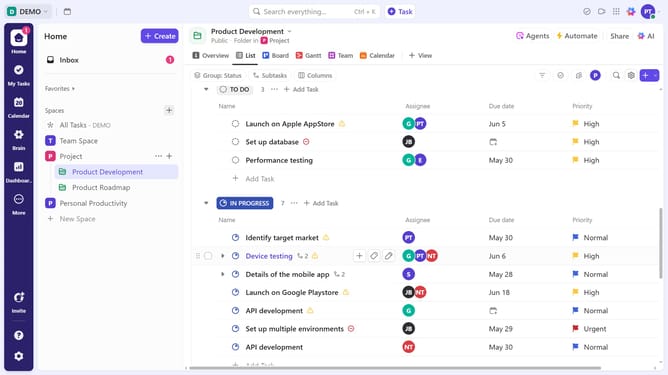
- First navigate to your Gantt view from the Views Bar at the top
- Locate the dependency you want to delete, then click on the connection line between the tasks
- Finally click the "Delete" button in the dependency deletion confirmation dialog
- Dependency successfully deleted, the tasks is now no longer linked
Why should you delete a Dependency in a Gantt view in ClickUp
ClickUp is a powerful tool designed to streamline project management and enhance productivity.
Deleting a dependency in the Gantt view is a feature that empowers you to adjust task relationships easily. This flexibility allows for more dynamic scheduling, ensuring your projects stay on track regardless of unexpected changes.
Utilizing the ability to delete dependencies can lead to smoother workflow transitions and a more adaptable project timeline. It offers you the control needed to optimize task management and enhance overall efficiency.
Last update