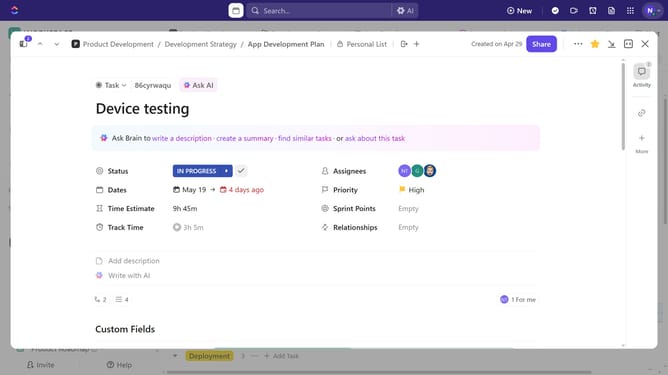
How to set a default task template for a List in ClickUp
Here is how to set a default task template for a list in clickup
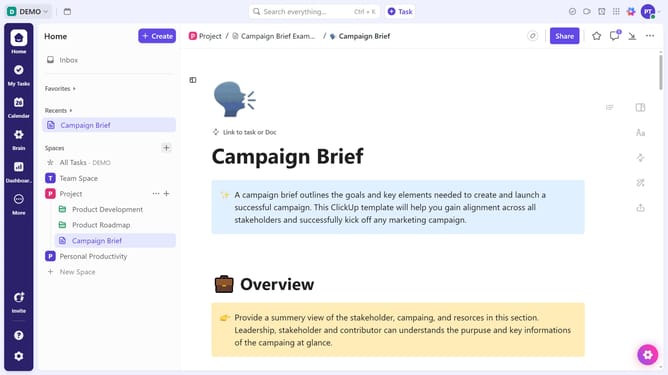
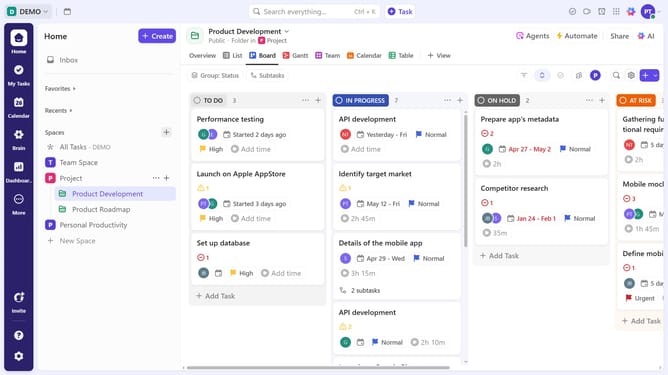
- First, hover over the List in the left sidebar and click the ellipsis (...) icon
- Next click on "Templates" from the dropdown menu
- From the Templates submenu, click on "Default Task Template"
- Then in the Template Center, select a task template from the available options
- Finally, click on "Set as Default" button in the upper right corner
Why should you set a default task template for a List in ClickUp
ClickUp is an all-in-one productivity tool designed to manage teams and streamline work processes.
Setting a default task template for a List in ClickUp ensures consistency and saves valuable time across projects. This feature allows you to automatically apply a standardized format whenever a new task is created in a specific list, keeping your workflow organized and efficient.
By using a default task template, you can ensure that every team member follows the same guidelines, reducing misunderstandings and boosting team productivity.
Last update