How to delete a Calendar view in ClickUp
Here is how to delete a calendar view in clickup
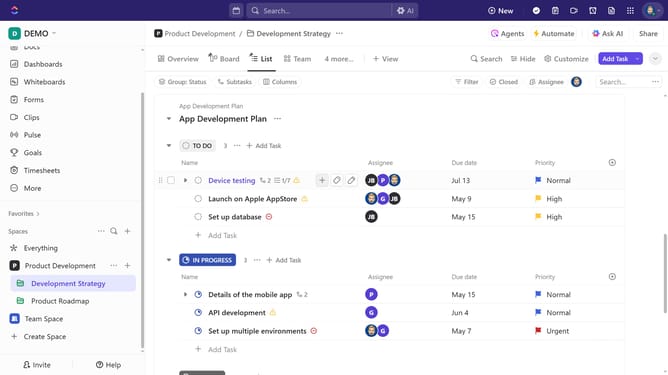
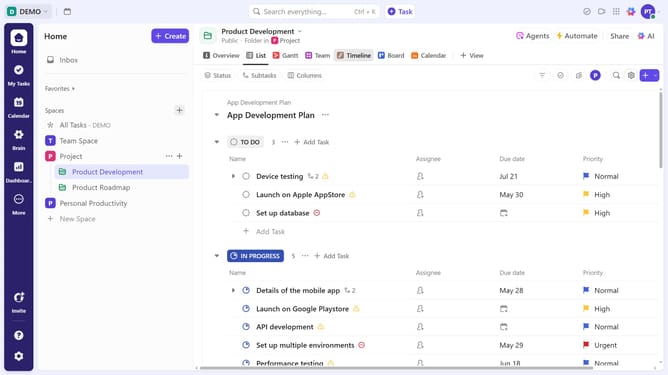
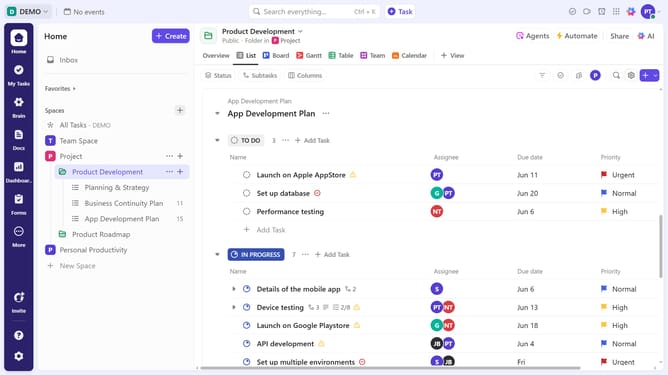
- First find and click on the Calendar view you want to delete in the Views Bar
- Next click on the "Customize" button in the right corner toolbar
- Finally select "Delete view" option from the customize settings panel
Why should you delete a Calendar view in ClickUp
ClickUp is a versatile project management tool designed to streamline tasks and enhance productivity.
One of its beneficial features is the ability to swiftly delete a Calendar view, helping you keep your workspace uncluttered and focused.
By removing unnecessary Calendar views, you can enhance your workflow efficiency, allowing more room for views that provide the most value to your projects.
This functionality ensures your work environment remains adaptable and effective, tailored to your current needs.
Last update