How to reorder subtasks in ClickUp
Here is how to reorder subtasks in clickup
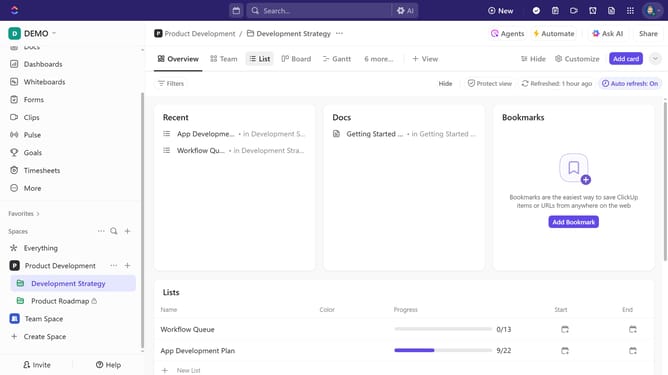
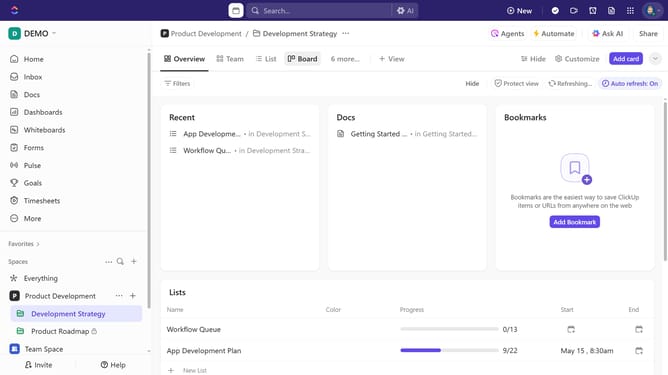
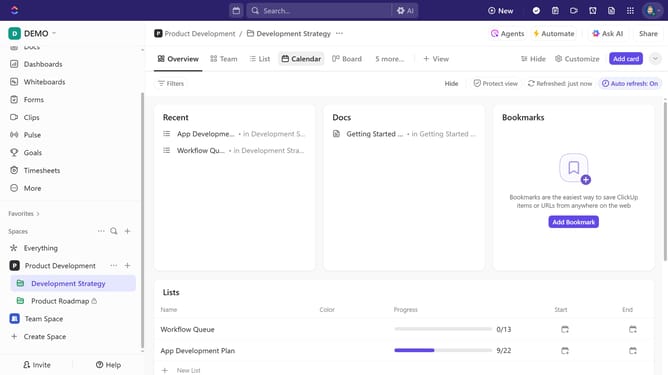
- First in the left sidebar, under the relevant Space, click on the Folder or List that contains the subtask
- Then in List view, locate the task containing the subtask you want to reorder and click on the "Expand tasks"
- Next click and hold a subtask, then drag it to the desired position within the list
- Finally release the subtask in its new position, and ClickUp will save the updated order automatically
- Repeat the process for any remaining subtasks as needed
Why should you reorder subtasks in ClickUp
ClickUp is a versatile productivity tool designed to streamline project management for teams of all sizes.
The ability to reorder subtasks in ClickUp enhances project organization by allowing users to prioritize tasks efficiently.
By rearranging subtasks, teams can focus on immediate priorities, ensuring nothing critical slips through the cracks.
This feature improves workflow clarity and aids in meeting deadlines by aligning tasks according to urgency and importance.
Last update