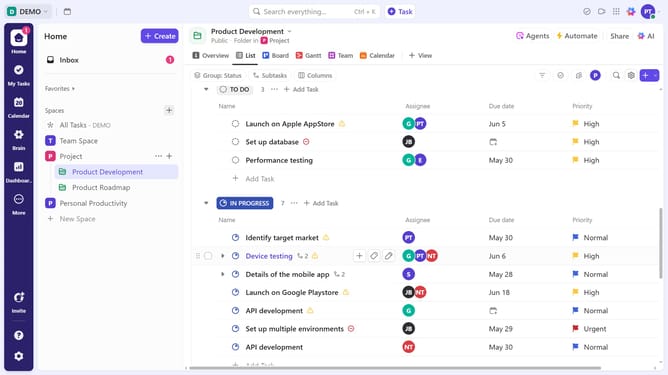
How to sort tasks in a Gantt view in ClickUp
Here is how to sort tasks in a gantt view in clickup
- First, click on your Gantt view in the Views Bar at the top
- In the Gantt view, click the "Sort" button in the top right
- From the sort dropdown menu, select a sorting option such as Start Date, Priority, Status, etc
- Apply the sorting preference, and the Gantt view will update accordingly
Why should you sort tasks in a Gantt view in ClickUp
ClickUp is a comprehensive project management tool designed to enhance productivity and organization.
Sorting tasks in a Gantt view with ClickUp allows users to visualize project timelines efficiently. This feature streamlines task management by enabling clear organization based on priority, date, or custom parameters.
Using the Gantt view enhances workflow clarity, enabling teams to identify bottlenecks and manage deadlines more effectively. It ultimately leads to better coordination and timely project completion.
Last update