How to change the time format for a Calendar view in ClickUp
Here is how to change the time format for a calendar view in clickup
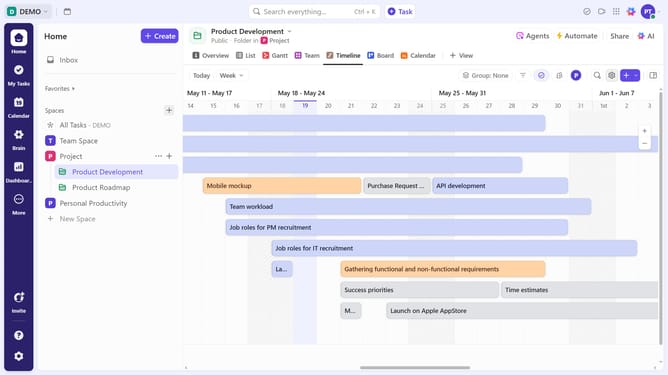
- First navigate to the Calendar view you want to modify in the views bar
- Next click on "Customize" button in the top right corner
- Then click on "Layout options" in the customize menu
- In the Layout options, click on the "Time format" dropdown menu
- Finally select either 12-hour (AM/PM) or 24-hour format based on your preference
Why should you change the time format for a Calendar view in ClickUp
ClickUp is a versatile productivity tool designed to streamline team collaboration and task management.
A handy feature in ClickUp's Calendar view is the ability to change the time format. This offers users the flexibility to select between the 12-hour or 24-hour clock settings, enhancing personal and team productivity by aligning the calendar to individual preferences or regional norms.
Adapting the time format can simplify scheduling, reduce miscommunication, and ensure clarity in project timelines. This customizable feature emphasizes ClickUp's commitment to user-centered functionality.
Last update