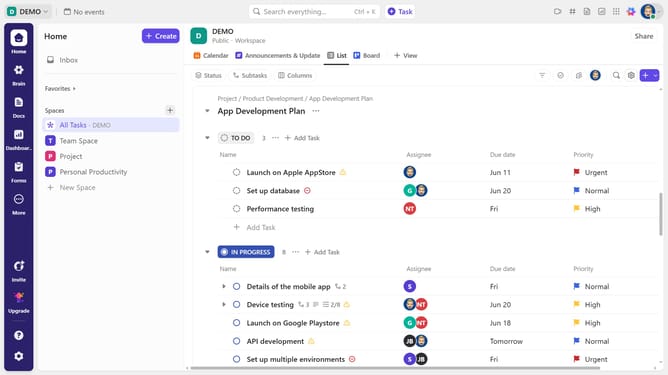
How to turn off Pulse in ClickUp
Here is how to turn off pulse in clickup
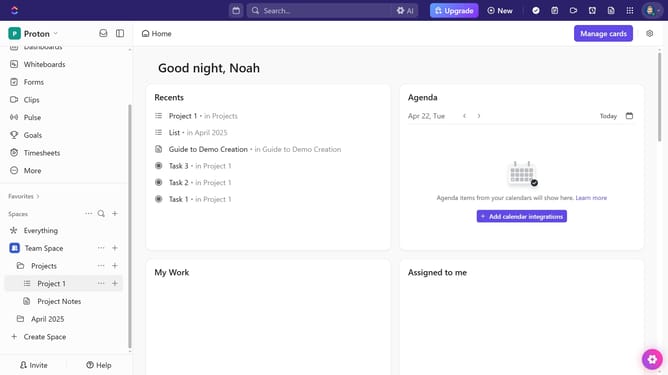
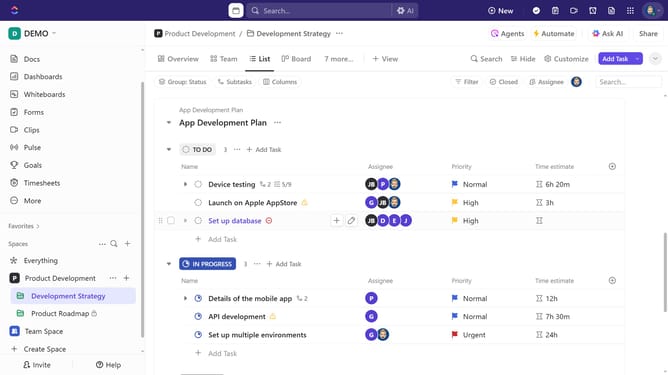
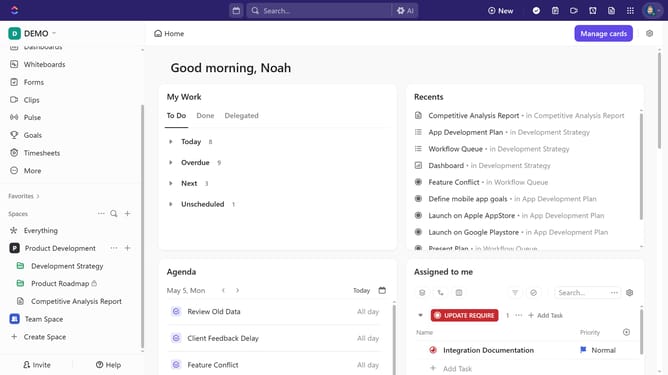
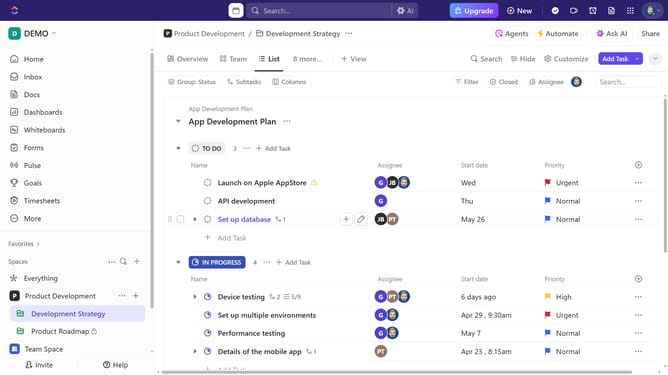
- First navigate to the Sidebar and click the "Pulse" option
- Hover over the upper-right corner below People Online chart, then click the ellipsis (three dots) to open Admin settings
- Next select "Pulse settings" from the dropdown menu
- Finally search for "Pulse" in the ClickApps list and toggle the switch off to disable Pulse
Why should you turn off Pulse in ClickUp
ClickUp is a dynamic productivity platform designed to simplify the way teams organize and manage their work.
One standout feature of ClickUp is Pulse, which offers real-time insights into team activity and progress. For those seeking a quieter work environment, turning off Pulse in ClickUp enhances focus and reduces distractions, providing a tailored workspace that fits individual preferences.
Opting to turn off Pulse doesn't remove the feature but rather customizes the interface, allowing users to streamline their workflow and focus on other task management elements within ClickUp that need more attention.
Last update