How to set Time Estimates per assignee in ClickUp
Here is how to set time estimates per assignee in clickup
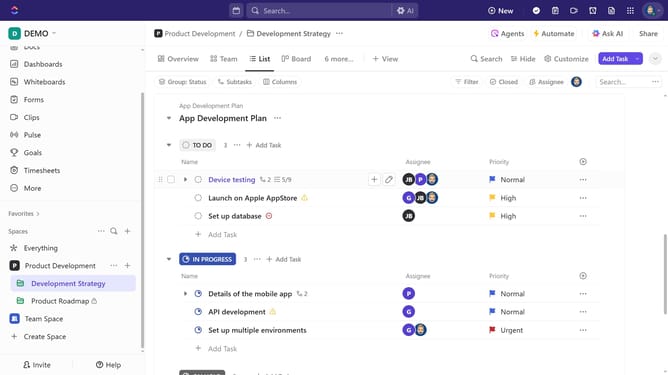
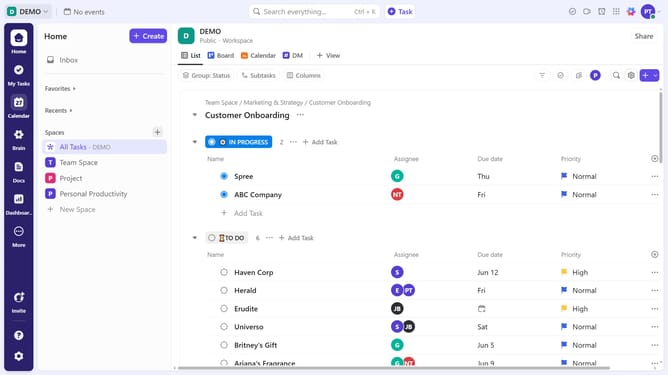
- First in the task list, click on the task where you want to set individual time estimates
- Next click on the "Time Estimate" field in the task details panel
- Type the estimated time for the task using natural language (e.g : "1 hour" or "1h 30m")
- Finally under Assignee breakdown section, enter the estimated time for each assignee
- Each assignee will now have their own time estimate instead of splitting the total estimate evenly
Why should you set Time Estimates per assignee in ClickUp
ClickUp is a versatile project management tool designed to enhance productivity and collaboration.
The ability to set Time Estimates per assignee elevates task management to a new level, promoting clarity and accountability.
By allocating specific time expectations for each team member, you create a transparent environment that encourages efficient resource allocation. This feature enables teams to plan better, ensuring deadlines are realistic and attainable.
Ultimately, this improves overall time management and boosts team performance.
Last update