How to add team members to a private Space in ClickUp
Here is how to add team members to a private space in clickup
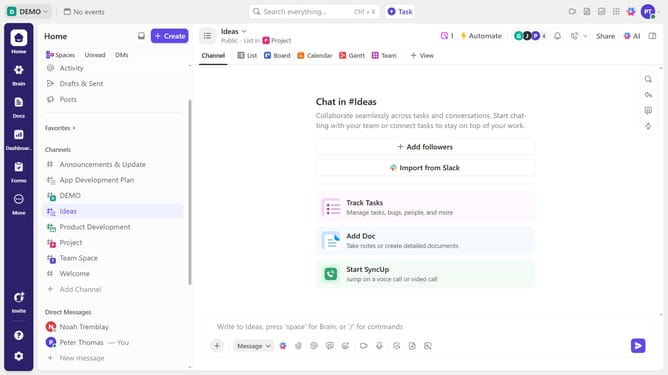
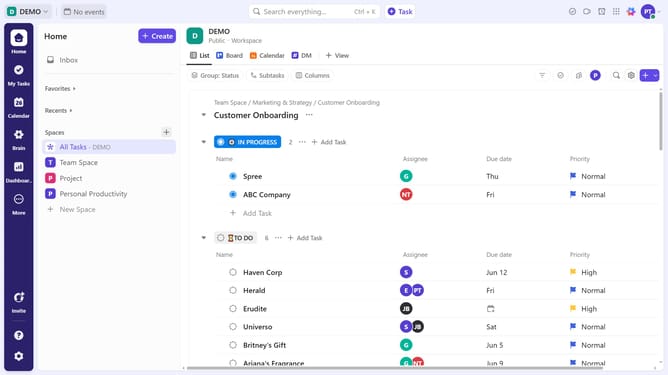
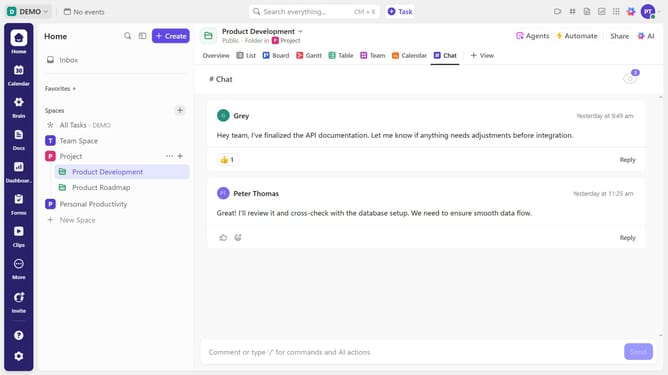
- First locate the private Space in the left sidebar under the Spaces section
- Next hover over it and click on the "More options" menu (three dots)
- In the context menu that appears, click on "Sharing & Permissions" option at the bottom
- In the sharing dialog, click on the "Invite by name or email" input field
- Finally toggle the switch next to the team members' names to add them to the private Space
- The selected team member will now have access to the private Space
Why should you add team members to a private Space in ClickUp
ClickUp is a versatile productivity platform designed to streamline task management for teams.
Adding team members to a private Space in ClickUp ensures that everyone who needs sensitive information stays informed and aligned. This feature promotes collaboration by allowing selected team members to participate in specific projects without exposing them to unrelated tasks.
This privacy-focused approach maintains confidentiality while fostering a collaborative environment. It allows team leaders to easily regulate access, ensuring streamlined workflows and improved project efficiency.
Last update