How to make a channel private in ClickUp
Here is how to make a channel private in clickup
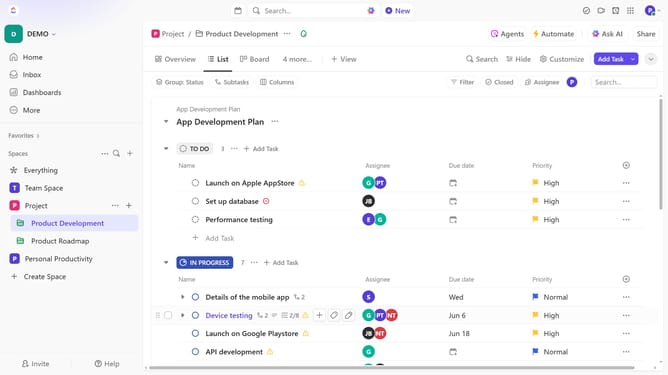
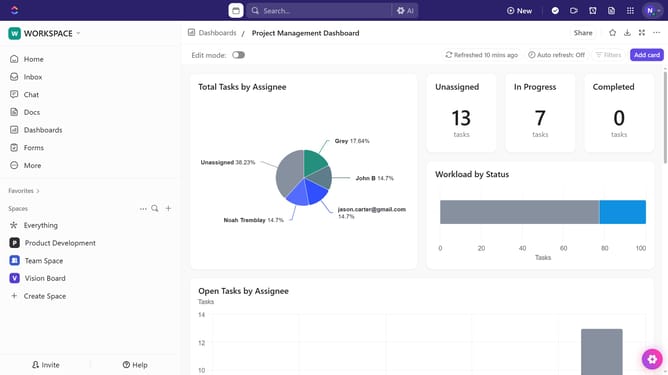
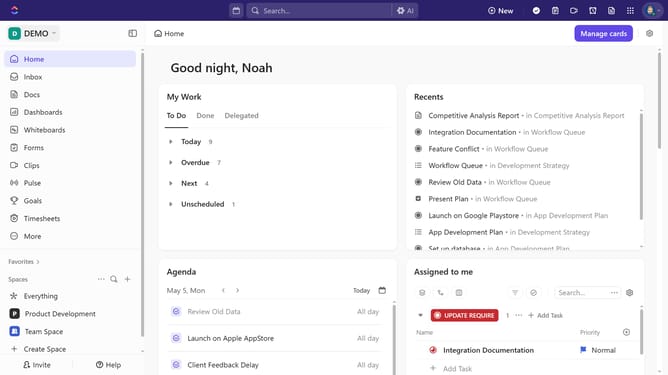
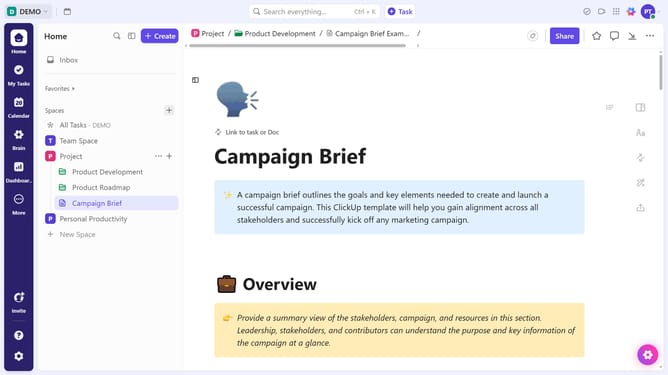
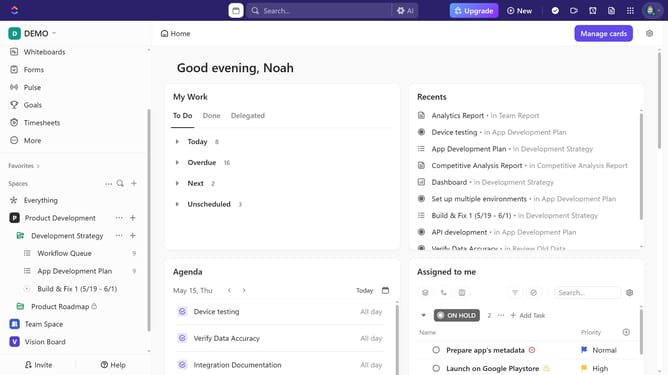
- First in the left sidebar, locate the channel you want to make private
- Then click on "Sharing & Permissions" option from the context menu
- Finally click on "Make Private" button in the sharing dialog
- Only selected members will now be able to view and participate in the channel
Why should you make a channel private in ClickUp
ClickUp is a dynamic project management platform designed to streamline productivity for teams of all sizes.
Making a channel private in ClickUp ensures that sensitive information is only accessible to designated team members.
This feature is invaluable for managing confidential projects, fostering a focused work environment, and maintaining the security of critical data.
By safeguarding information, you enhance collaboration and ensure clarity among specific team members, promoting efficiency and trust.
Last update