How to archive a subtask in ClickUp
Here is how to archive a subtask in clickup
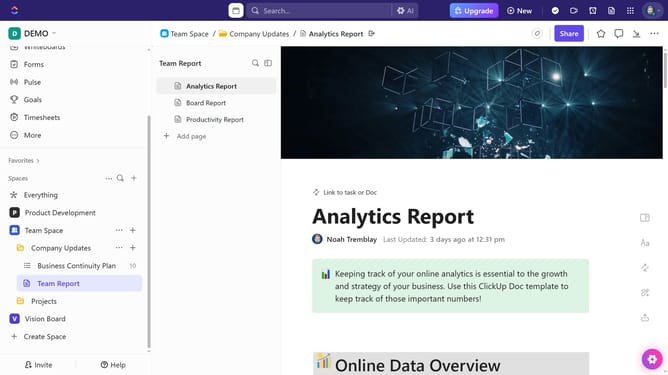
- First in the left sidebar, under the relevant Space, click on the Folder or List that contains the subtask
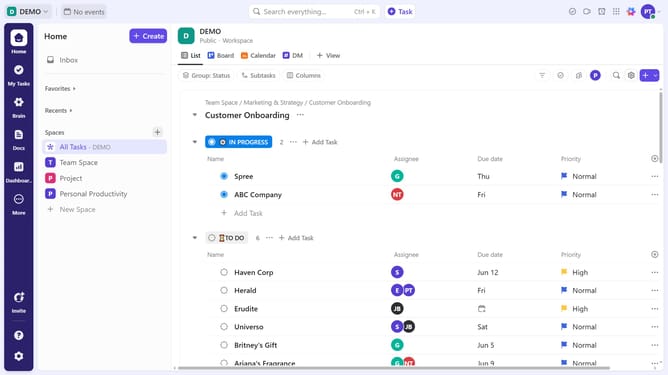
- Then in your preferred view, locate the task containing the subtask you want to archive
- Next click on the subtasks dropdown under the task
- Click on the "more options" menu (three dots) next to the subtask you want to archive
- Finally, click on the "Archive" option in the dropdown menu
- The subtask has been successfully archived
Why should you archive a subtask in ClickUp
ClickUp is a versatile project management tool designed to streamline tasks and enhance productivity.
Archiving a subtask in ClickUp is an intuitive feature that helps you focus on what’s important by decluttering your workspace. This feature ensures completed or non-essential subtasks don't crowd active lists, allowing team members to maintain a clean and manageable task view.
By archiving irrelevant subtasks, teams can enhance their efficiency, as it promotes a clearer insight into current project needs and priorities, facilitating better organization and focus.
Last update