How to create a dashboard in ClickUp
Here is how to create a dashboard in clickup
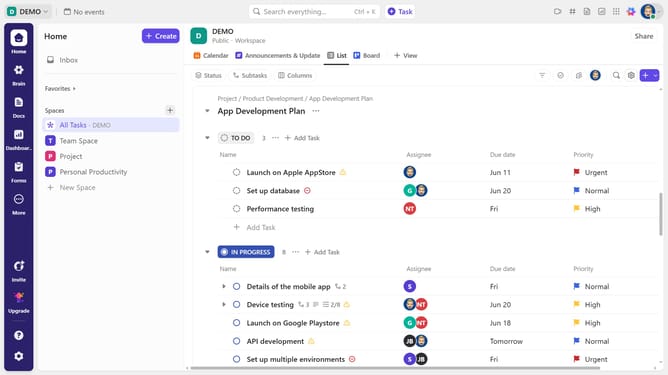
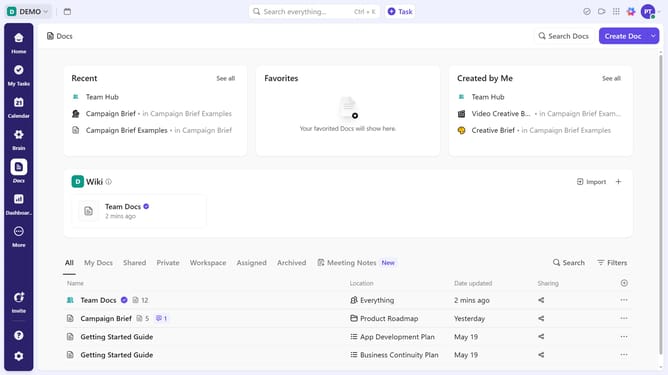
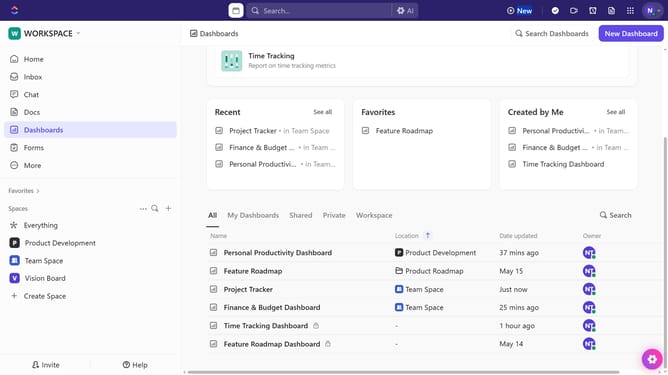
- First click on the "Dashboard" icon in the left sidebar menu
- Next in the Dashboards Hub, click on "New Dashboard" button in the top-right corner
- In the dashboard template selection, click on "Start from scratch" to build a fully custom dashboard
- Alternatively, select a template card for a ready-made layout
- Click on the "Data source" dropdown in the data source selection modal
- Choose a Space, Folder, or List from the dropdown to select the data source
- Then click the "Create Dashboard" button to create your new dashboard
- Next click on the dashboard name field to name it
- Finally enter a name for your dashboard and press "Enter"
- Your dashboard has been successfully created and you can now customize it and add cards as needed
Why should you create a dashboard in ClickUp
ClickUp is a versatile project management tool designed to streamline team productivity and efficiency.
Creating a dashboard in ClickUp allows users to visualize and manage their projects through customizable widgets. These features enable teams to oversee tasks, track progress, and monitor workflow in real time.
By utilizing dashboards in ClickUp, teams can centralize data, make informed decisions quickly, and enhance collaboration. This functionality brings clarity, ensuring everyone stays aligned with project goals.
Last update