How to share a Space in ClickUp
Here is how to share a space in clickup
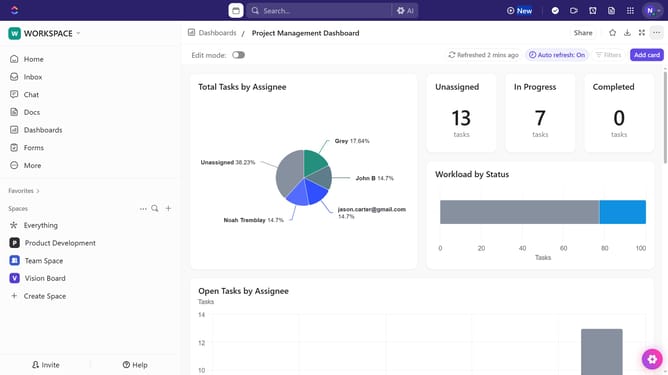
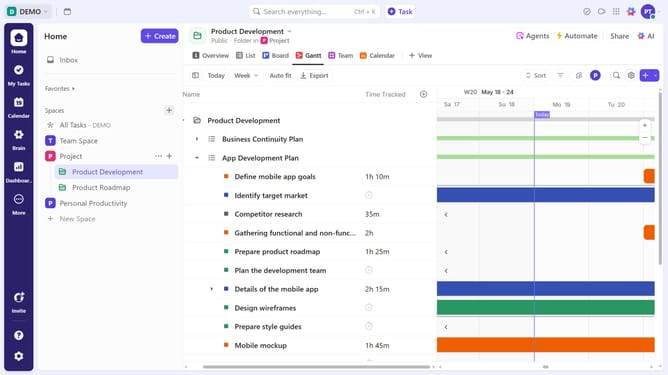
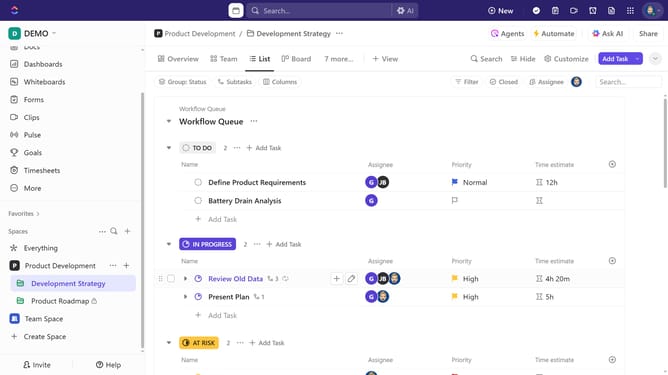
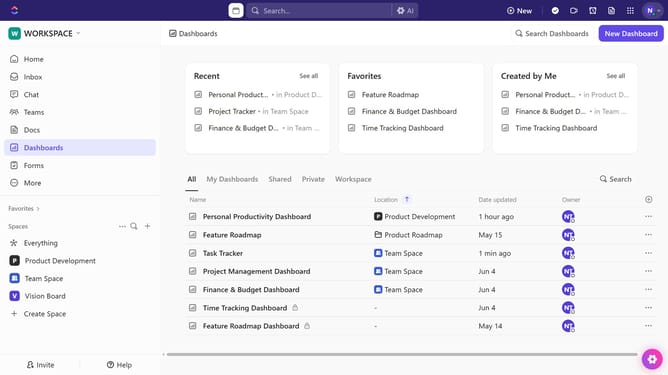
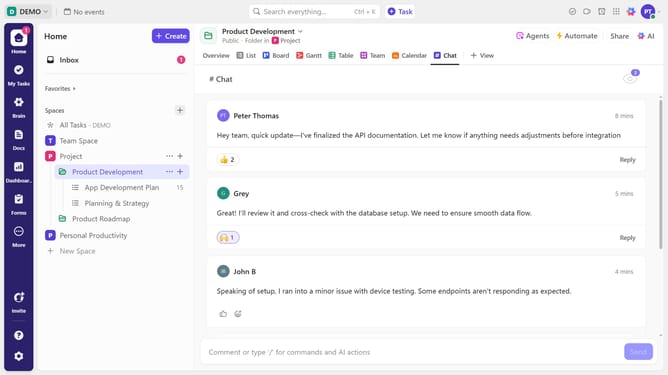
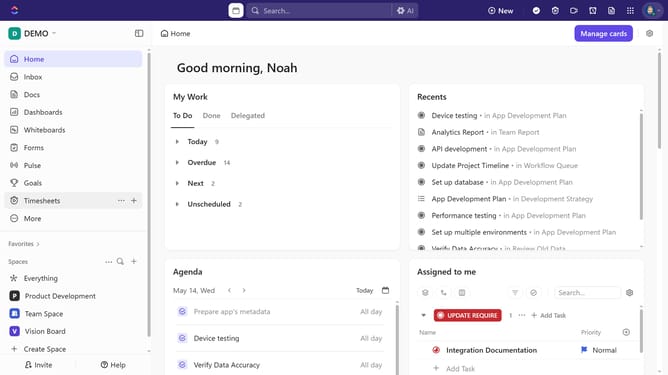
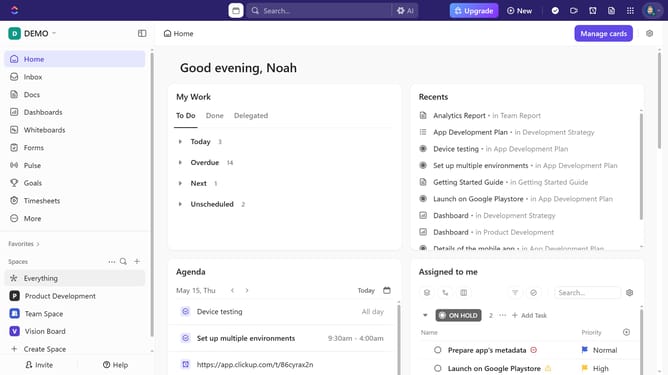
- First locate the Space you want to share in the left sidebar under the Spaces section
- Next click on the "More options" menu (three dots) next to it
- Click on "Sharing & Permissions" option from the dropdown menu
- In the sharing dialog, click on "Copy link" and share the link with the people you want to give access to the Space
- Another option is to click on the email input field labeled "Invite by name or email"
- Enter the email address of the person you want to invite and click on the suggested email
- To add an additional recipient, enter their email address in the "Invite by name or email" field
- Next click on the "Invite as" dropdown menu to select the permission level
- Select a permission type from the available options
- If you choose "Limited Member", you'll need to specify the access level to define their permissions within the Space
- Finally click the "Send Invite" button to share the space
Why should you share a Space in ClickUp
ClickUp is a dynamic productivity platform designed to streamline teamwork and boost efficiency.
Sharing a Space in ClickUp unlocks seamless collaboration, fostering an environment where team members can easily communicate and contribute.
By sharing a Space, you ensure everyone stays informed, accessing centralized resources and updates in real-time.
This feature not only enhances coordination but also boosts productivity, making it easier than ever to achieve your team's goals.
Last update