How to view Time Estimates Rollup on a task in ClickUp
Here is how to view time estimates rollup on a task in clickup
- First click on a task that has subtasks with Time Estimates
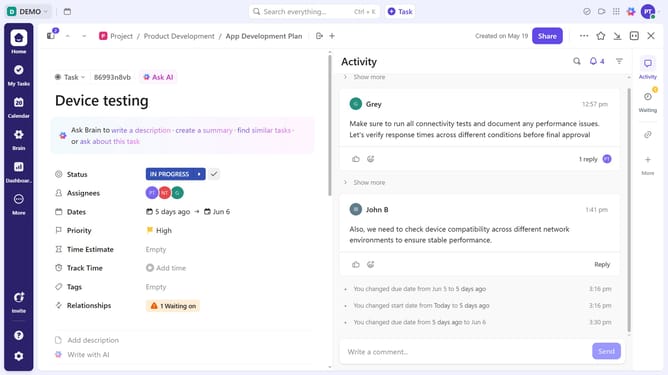
- Then click on the "Time Estimate" field in the task details panel
- Finally in the popup window, you will see a breakdown of estimates for the parent task and each subtask
Why should you view Time Estimates Rollup on a task in ClickUp
ClickUp is a versatile productivity platform designed to streamline task management and team collaboration.
Viewing Time Estimates Rollup on a task in ClickUp allows users to easily gauge how much time is allocated for each subtask and the entire parent task.
This feature is beneficial for project management, providing an overarching view that ensures deadlines are met and resources are effectively utilized.
By offering a consolidated time estimate, it helps in forecasting project timelines and enhances efficiency across teams.
Last update