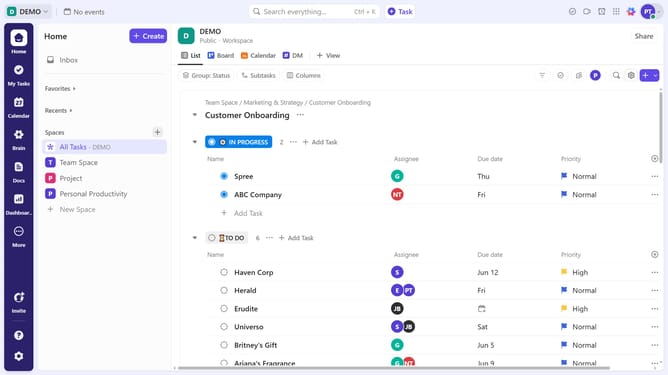
How to create a Mind Map view in ClickUp
Here is how to create a mind map view in clickup
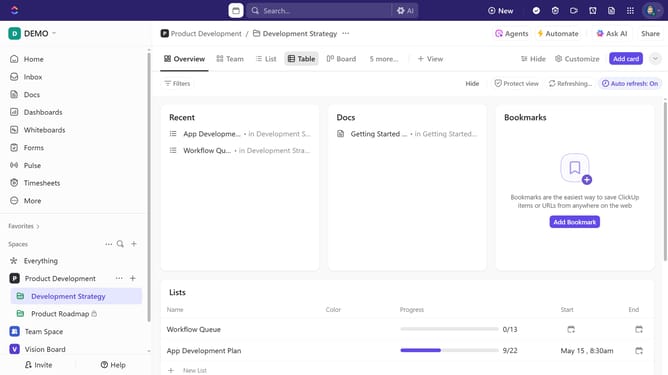
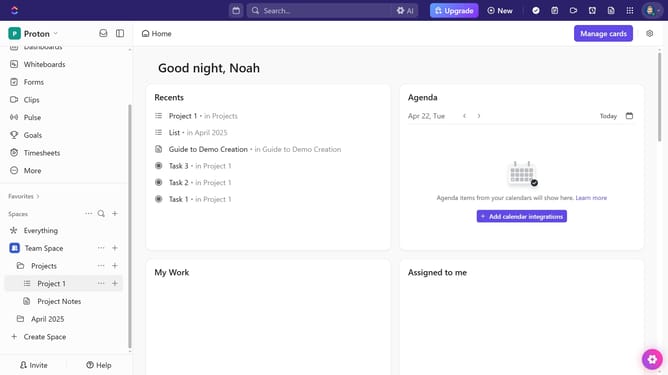
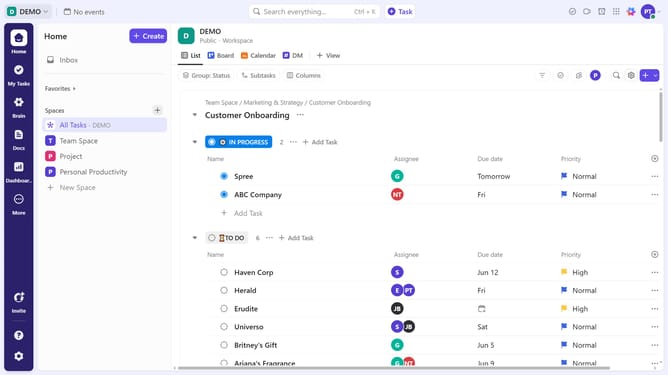
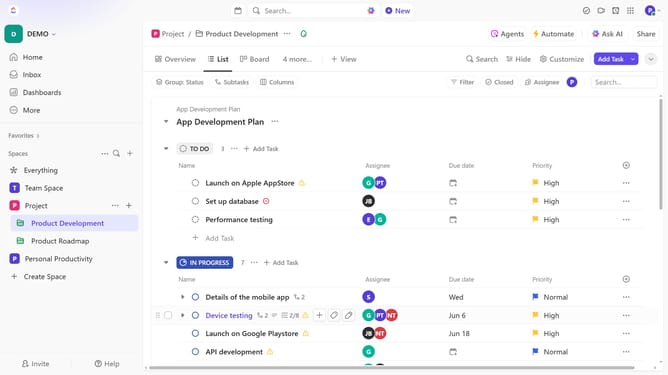
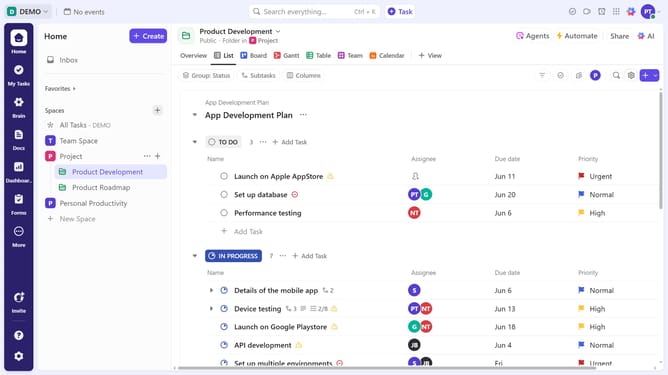
- First in the left sidebar, navigate to the Space or Folder where you want to create the Mind Map
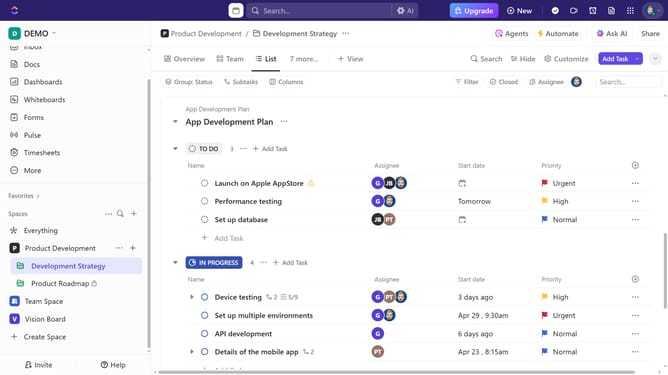
- Next click on "+ View" button in the top menu bar
- Then click on "Mind Map" option in the view dropdown menu
- Next give the view a name
- Finally choose between "Tasks Mode" or "Blank Mode" depending on your needs
- Your Mind Map has been successfully created and is ready for use
- To adjust the mind map settings, click on "Customize" button
- From the Customize View panel modify the settings as needed
Why should you create a Mind Map view in ClickUp
ClickUp is an all-in-one productivity platform designed to manage projects and tasks efficiently.
Creating a Mind Map view in ClickUp allows users to visually organize their thoughts and ideas by connecting them in a dynamic layout. This feature empowers teams to brainstorm more effectively by seeing the relationships between different tasks and ideas in a clear and structured way.
Using a Mind Map view, teams can enhance their collaboration and planning, ensuring that everyone is on the same page. It's a powerful tool for breaking down complex projects into understandable components, fostering better decision-making. Embrace the clarity and innovation that the Mind Map view brings to your workflow.
Last update