How to add a new item to a checklist in ClickUp
Here is how to add a new item to a checklist in clickup
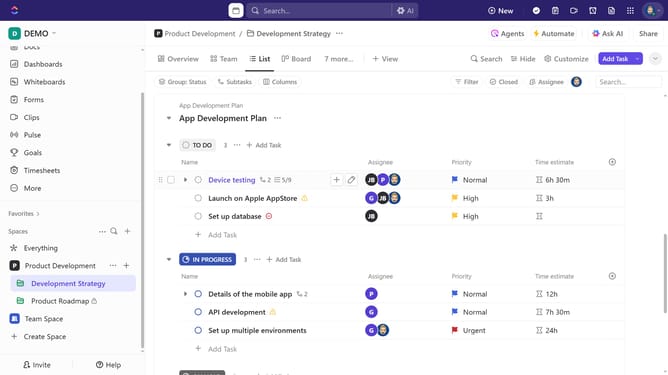
- First find and click on the task containing the checklist
- Then click inside the task details, scroll down to the Checklists section
- Next click on the "New checklist item" field under checklist
- Finally type the checklist item name and press "Enter" to save
Why should you add a new item to a checklist in ClickUp
ClickUp is a versatile productivity platform designed to streamline project management and collaboration.
Adding a new item to a checklist in ClickUp is a breeze, enabling users to organize tasks with precision. This feature allows for quick updates and modifications, ensuring nothing gets overlooked in a project.
Using checklists fosters better organization and accountability, making it easier for teams to track progress. The simplicity and efficiency of this feature enhance productivity, providing clarity and focus on essential tasks.
Last update