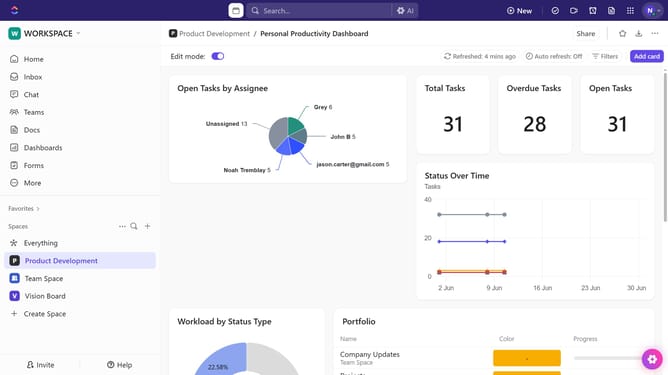
How to create a Doc template in ClickUp
Here is how to create a doc template in clickup
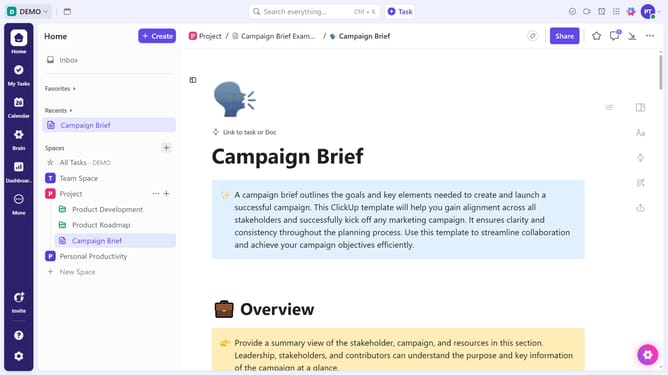
- First locate the Doc you want to save as a template and click on it
- Then click on the "More options" button (three dots) in the top-right corner of the document
- Next click on "Save as Template" option in the dropdown menu
- Then enter for the template in the dialog box
- You can also add description and tags to the template
- Then in the sharing options, adjust the sharing settings as needed
- Finally click on the "Save Template" button in the bottom-right corner
Why should you create a Doc template in ClickUp
ClickUp is an all-in-one productivity platform designed to streamline work processes for teams and individuals alike.
Creating a Doc template in ClickUp empowers users to maintain consistency across documents by providing a structured layout ready to be reused. This feature eliminates the repetitive task of formatting each new document from scratch, saving valuable time and ensuring uniformity throughout your projects.
Using Doc templates not only enhances efficiency but also ensures that important details are never overlooked, optimizing your workflow to focus on what truly matters. Embrace the seamless experience of generating polished documents effortlessly with ClickUp’s intuitive template feature.
Last update