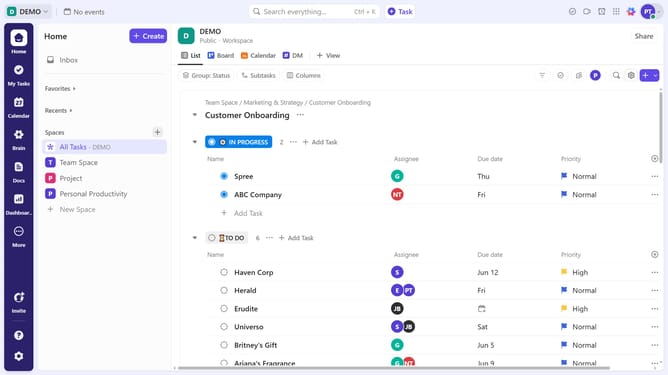
How to edit a task from Calendar view in ClickUp
Here is how to edit a task from calendar view in clickup
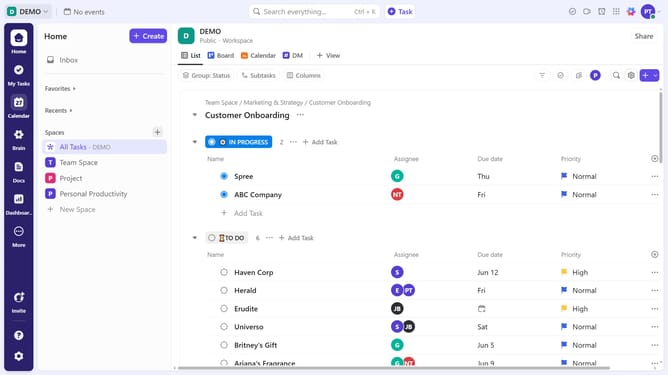
- First click on the Calendar view in the Views Bar
- Then click on the task you want to edit in the calendar view
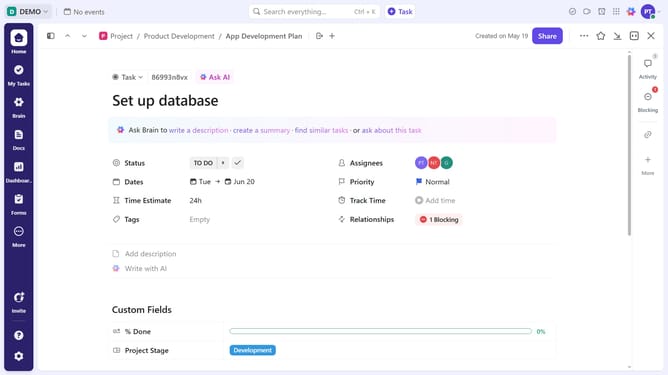
- In the task details panel, start making your changes, such as due date, status, assignee, relationships, or task description
- The changes are saved automatically. The task will be updated accordingly
Why should you edit a task from Calendar view in ClickUp
ClickUp is a versatile project management tool designed to streamline your workflow and enhance productivity.
Editing tasks directly from the Calendar view in ClickUp allows for seamless adjustments to your schedule without needing to switch views. This feature empowers you to quickly make changes such as adjusting deadlines, updating task names, or modifying priorities right within the calendar.
Utilizing this capability enhances project management efficiency, ensuring that you can adapt to changes instantly and keep your tasks organized with minimal effort.
Last update