How to move a dashboard from the Sidebar in ClickUp
Here is how to move a dashboard from the sidebar in clickup
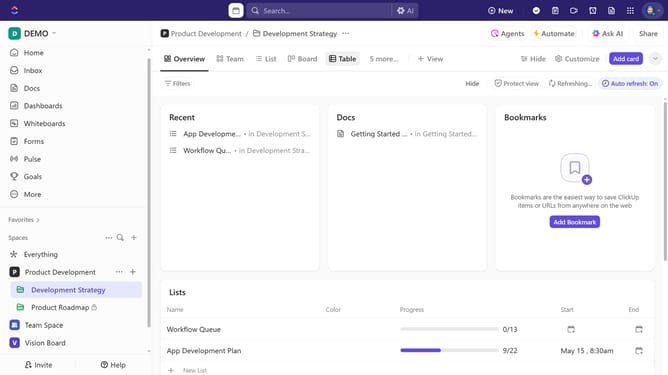
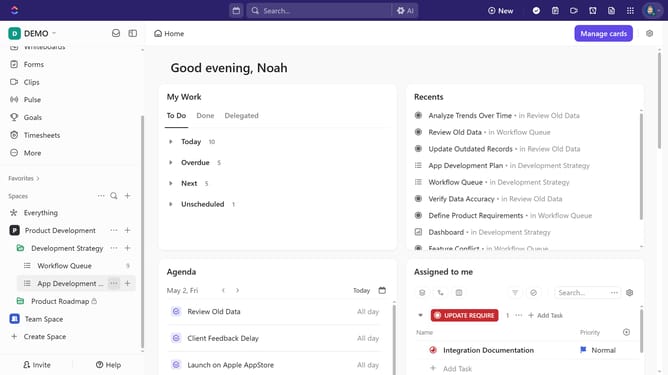
- First navigate to the Sidebar where the dashboard is located
- Locate the dashboard under the Space, Folder, or List, then click the ellipsis (...) icon
- Next select "Move to" from the dropdown menu
- Then select "List, Folder, or Space (as a view)" or "Sidebar" from the submenu
- Finally select a location from the available options (Spaces or folder)
- The Dashboard has now been successfully moved to the selected new location
Why should you move a dashboard from the Sidebar in ClickUp
ClickUp is a versatile platform designed to streamline team collaboration and project management.
The ability to move a dashboard from the Sidebar in ClickUp enhances your workspace organization by allowing custom accessibility for your most-used dashboards.
With this feature, you can effortlessly prioritize information, keeping key insights just a click away, ensuring more focused and efficient work.
Ultimately, it empowers users to tailor their workspace, fostering productivity and ease of navigation.
Last update