How to enable two-factor authentication in Lemlist
Here is how to enable two-factor authentication in lemlist
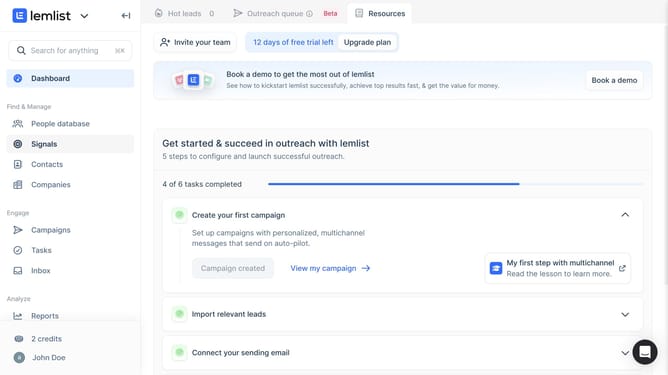
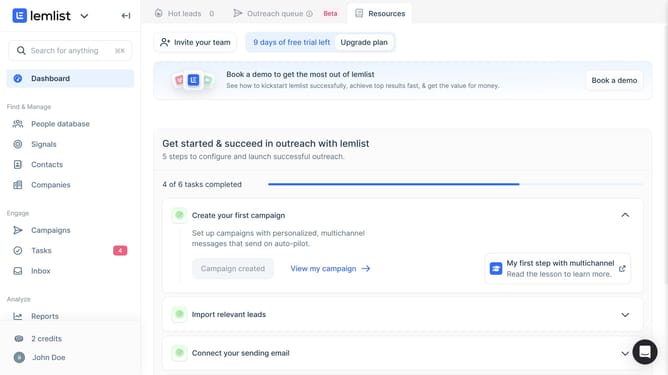
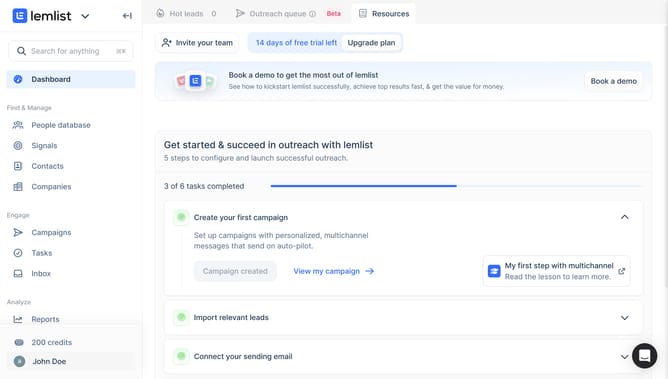
- First click on the profile button in the bottom left sidebar
- Then click on the "Settings" option in the user menu dropdown
- Next click on the team name in the left sidebar under Team settings section
- Then click on the "Edit" button next to "Two-factor authentication for your entire team"
- Finally click on the "Enable" button in the two-factor authentication confirmation dialog
Why should you enable two-factor authentication in Lemlist
Lemlist is a comprehensive outreach platform designed to help you connect with your audience effectively.
Enabling two-factor authentication in Lemlist adds an additional layer of security to your communications. By activating this feature, you ensure that only you can access your account, safeguarding it from unauthorized logins.
This enhanced security measure is crucial in protecting sensitive information and maintaining trust with your contacts. By utilizing two-factor authentication, you significantly reduce the risk of security breaches while keeping your outreach efforts secure and efficient.
Last update