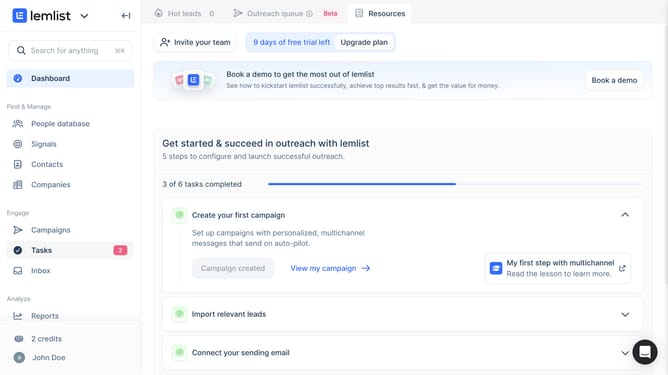
How to change the reporting period of call duration by rep in Lemlist
Here is how to change the reporting period of call duration by rep in lemlist
- First click on "Reports" link in the left sidebar under the Analyze section
- Then click on a tab in the top navigation menu
- Next click on the period dropdown button in the report filters area
- Then select option from the time period dropdown menu
- Finally click on "Save for everyone" button in the top right corner
Why should you change the reporting period of call duration by rep in Lemlist
Lemlist is a dynamic tool tailored to enhance your outreach campaigns and boost your engagement efforts.
One standout feature is the ability to change the reporting period of call duration by each representative. This feature allows you to tailor reports to specific time frames, ensuring you focus on the periods that matter most.
Adjusting the reporting period offers the flexibility to analyze performance trends and allocate resources efficiently, ultimately empowering teams to fine-tune their strategies. This adaptability boosts productivity and helps achieve better results in outreach goals.
Last update