How to change the reporting period of lead activities over time in Lemlist
Here is how to change the reporting period of lead activities over time in lemlist
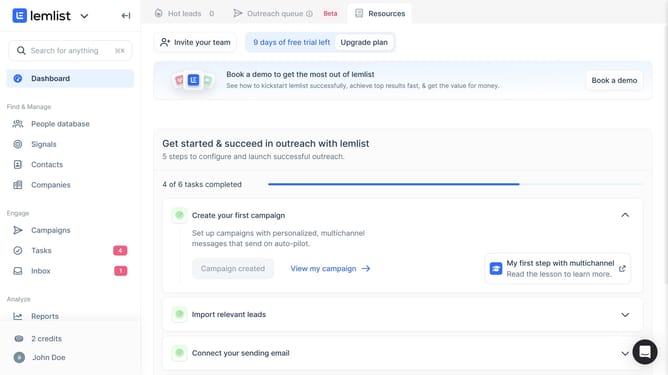
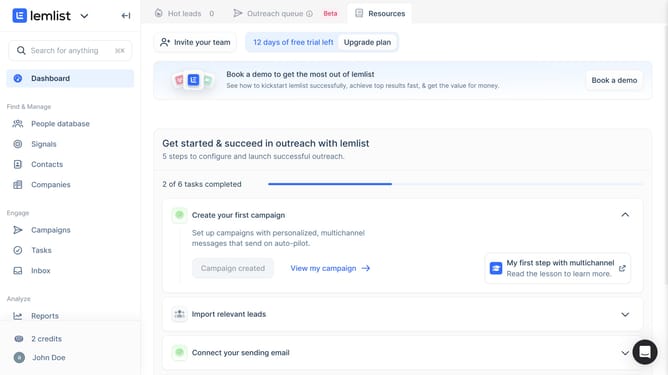
- First click on "Reports" in the left sidebar under the Analyze section
- Then click on the tab in the top navigation menu
- Then click on the "Weekly" dropdown button in the Lead activities over time widget
- Then select option from the time period dropdown menu
- Finally click on "Save for everyone" button in the top right corner
Why should you change the reporting period of lead activities over time in Lemlist
Lemlist is a dynamic tool designed to amplify your marketing efforts through seamless automation and personalization.
Adjusting the reporting period of lead activities in Lemlist allows you to tailor insights to specific time frames. This flexibility ensures you are always equipped with the most relevant data for decision-making and strategy tweaking.
With the ability to change this period, you can easily track weekly, monthly, or even quarterly performance, providing a clearer picture of your campaign's impact and trends. Understanding these patterns is essential for optimizing lead engagement and refining future outreach strategies.
Last update