How to create task in Lemlist
Here is how to create task in lemlist
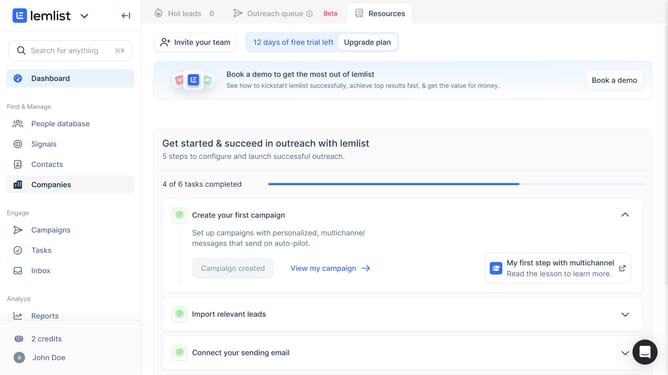
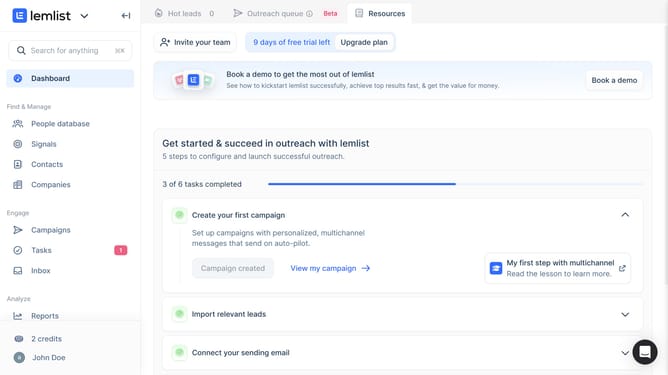
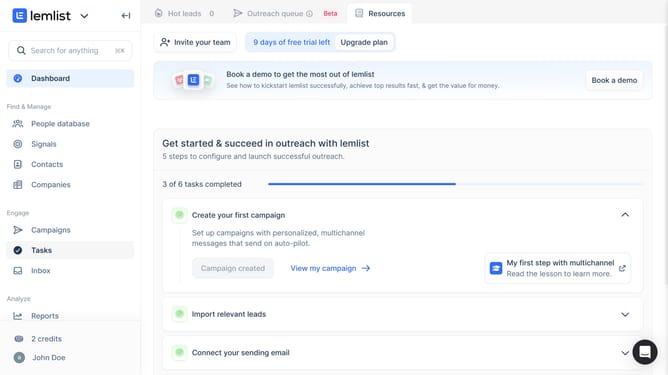
- First click on "Tasks" in the sidebar under the Engage section
- Then click on "Create task" button in the top right area of the main content
- Then click on "Associated record" dropdown field in the task creation dialog
- Then select from the dropdown list
- Then click on the "Title" input field and enter the task name
- Then click on the "Instruction" text area field and enter the task instructions
- Finally click on "Create task" button at the bottom right of the dialog to save the task
Why should you create task in Lemlist
Lemlist is a powerful tool designed to enhance your email outreach campaigns with personalized and automated solutions.
Creating tasks in Lemlist allows users to streamline their workflow, ensuring no crucial follow-up is missed. This feature helps in organizing daily tasks efficiently, boosting productivity.
By scheduling tasks, you can focus more on strategic aspects of your campaign, knowing that routine follow-ups and reminders are systematically handled.
Moreover, this feature ensures consistency, leading to higher engagement and better conversion rates in your outreach efforts.
Last update