How to change team name in Lemlist
Here is how to change team name in lemlist
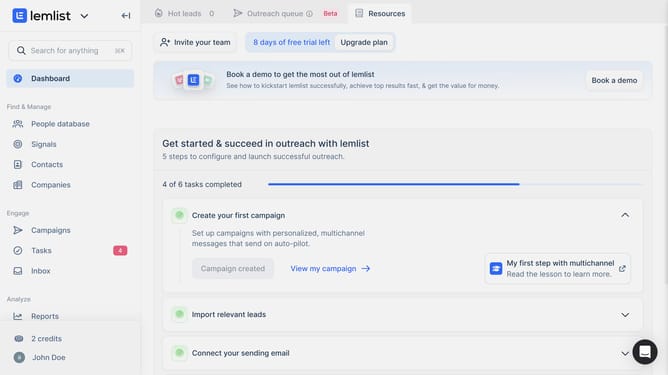
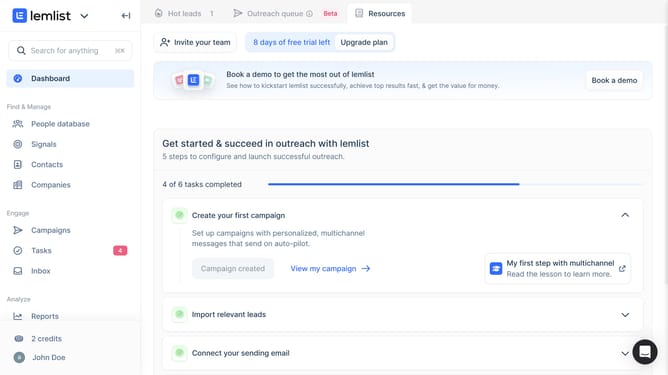
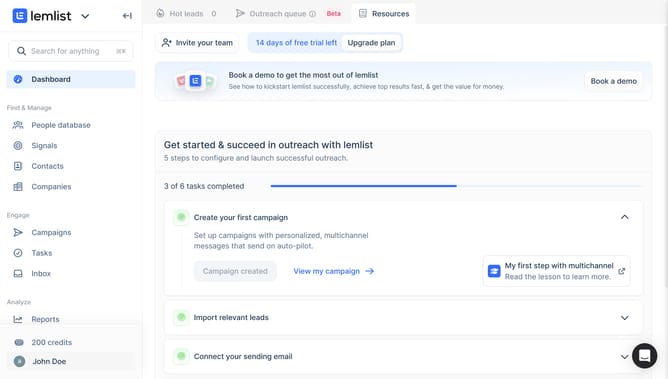
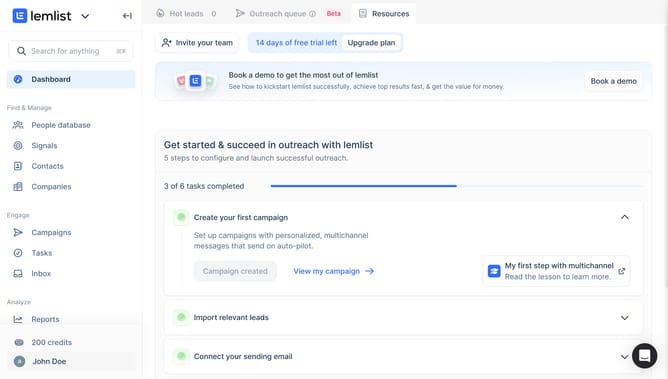
- First click on the profile button in the bottom left sidebar to access account settings
- Then click on the "John Doe's" option under the Team settings section in the left sidebar
- Finally view the "Team name" field and change it from the main content area
Why should you change team name in Lemlist
Lemlist is a dynamic platform designed specifically for enhancing email outreach and engagement.
One of its standout features is the ability to easily change your team's name. This feature is particularly useful for maintaining an organized structure within your team, ensuring that all members are on the same page with branding and identity.
Updating your team name can help foster a sense of unity and professionalism, making sure your external communications reflect the cohesive identity of your team.
It’s a simple yet powerful way to keep your email campaigns aligned with your evolving business strategies.
Last update