How to add a company into a list in Lemlist
Here is how to add a company into a list in lemlist
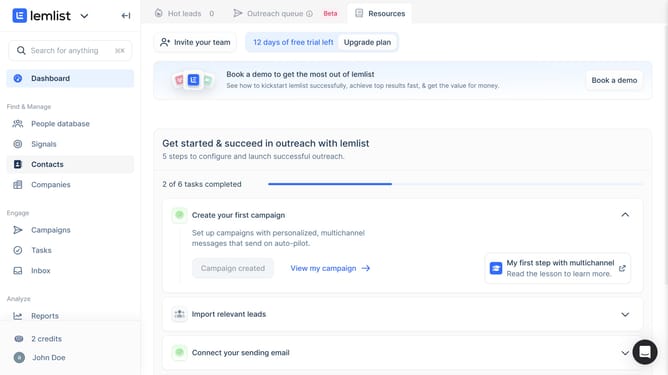
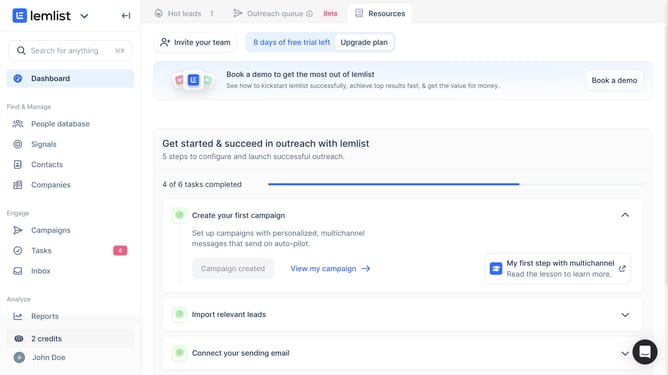
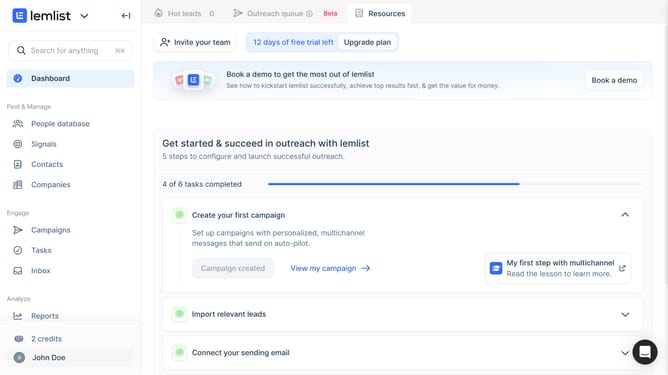
- First click on "Companies" in the left sidebar under the Find & Manage section
- Then click on the checkbox next to the "Aakize" company row to select it
- Next click on the "Add to list" button in the bottom action bar
- Finally select list from the dropdown menu that appears
Why should you add a company into a list in Lemlist
Lemlist is a dynamic tool designed to revolutionize your email outreach campaigns.
By adding a company to a list in Lemlist, you streamline your targeting efforts and ensure communications are tailored and effective.
This feature enhances organization, enabling you to segment prospects fluidly, which is essential for optimizing engagement strategies.
Harnessing this capability leads to improved campaign performance and a more personalized approach to outreach, propelling your business forward efficiently.
Last update