How to archive a message in Lemlist
Here is how to archive a message in lemlist
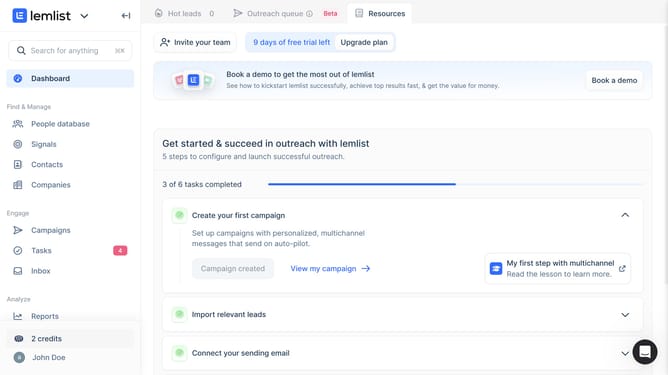
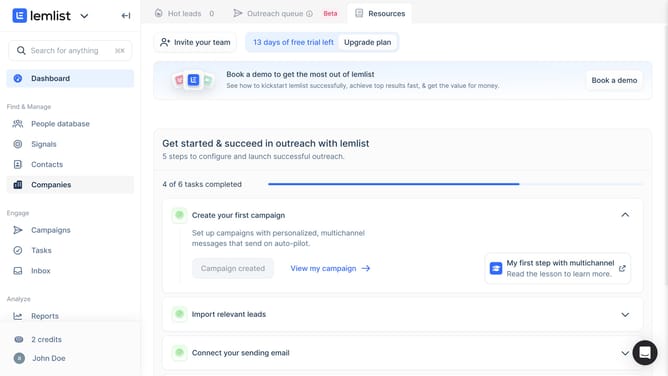
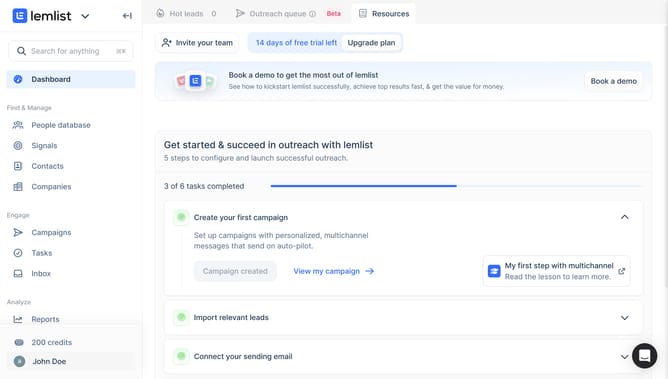
- First click on "Inbox" in the left sidebar under the Engage section
- Then click on the conversation from the conversations list to open it
- Finally click on the archive button in the top toolbar to archive the conversation
Why should you archive a message in Lemlist
Lemlist is a dynamic tool designed to enhance personalized email outreach and sales engagement.
Archiving a message in Lemlist is a streamlined feature allowing users to efficiently manage their email conversations.
Utilizing this feature helps keep your inbox organized, ensuring priority messages remain visible while older or less relevant emails are neatly tucked away.
This process not only improves workflow efficiency but also aids in maintaining focus on high-impact tasks, enhancing both productivity and email strategy effectiveness.
Last update