How to delete a company list in Lemlist
Here is how to delete a company list in lemlist
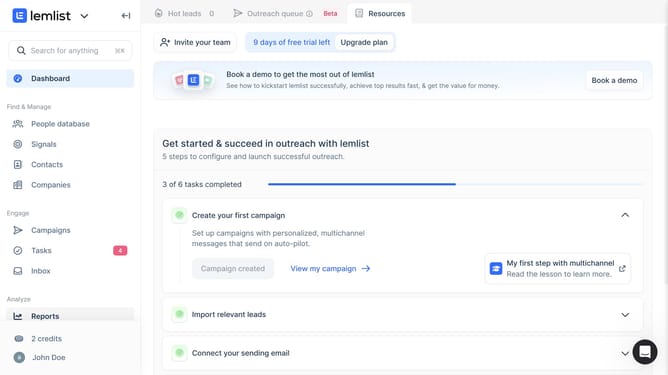
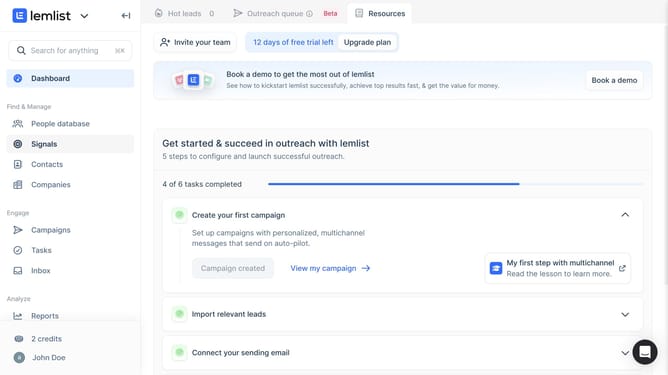
- First click on "Companies" in the left sidebar under the Find & Manage section
- Then click on the tab that you want to delete in the top navigation bar
- Finally click on the close button or X next to the tab to close it
Why should you delete a company list in Lemlist
Lemlist is a powerful tool designed to supercharge your email outreach campaigns.
The feature to delete a company list in Lemlist allows users to easily manage and streamline their contact databases, ensuring a more focused and organized campaign strategy.
By removing outdated or irrelevant company lists, you free up space and reduce the chance of ineffective email targeting, ultimately boosting the efficiency of your outreach efforts.
Keep your database clean and relevant for maximum engagement and higher success rates.
Last update