How to duplicate a tab on reports in Lemlist
Here is how to duplicate a tab on reports in lemlist
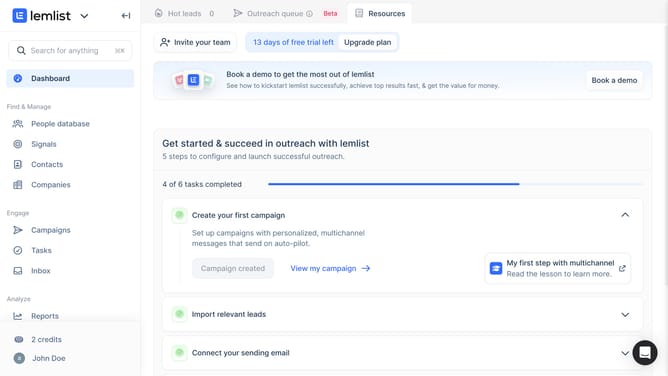
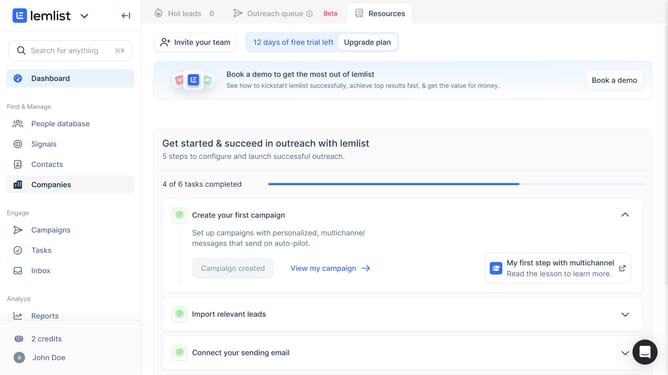
- First click on "Reports" link in the left sidebar under the Analyze section
- Then click on the three-dot menu icon next to the tab that you want to duplicate in the top navigation
- Next click on "Duplicate tab" option from the dropdown menu
- Then click on the text input field and enter the new tab name
- Finally click on the "Confirm" button to create the duplicated tab
Why should you duplicate a tab on reports in Lemlist
Lemlist is an innovative platform designed to supercharge cold email campaigns with personalized outreach.
The "duplicate a tab on reports" feature in Lemlist offers a streamlined way to manage and analyze data by effortlessly replicating report tabs. This feature is invaluable when you need consistent data formats across multiple client reports, saving time and ensuring accuracy.
By duplicating tabs, you maintain a high fidelity of your original analysis while expanding your insights seamlessly. It simplifies workflows for marketers, ensuring clarity and consistency in reporting.
Last update