How to manage timezone of a contact in Lemlist
Here is how to manage timezone of a contact in lemlist
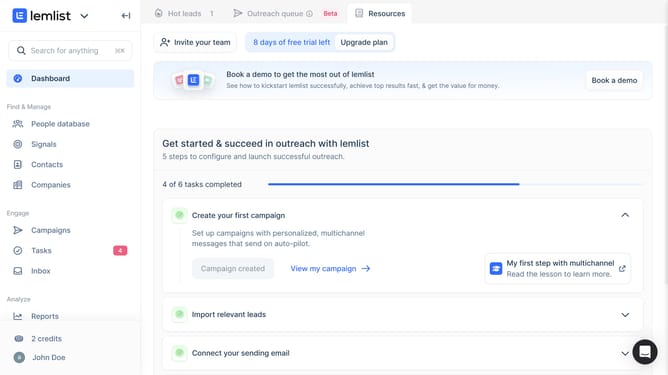
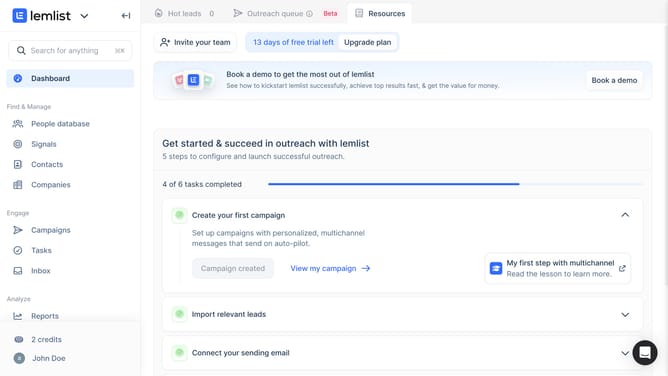
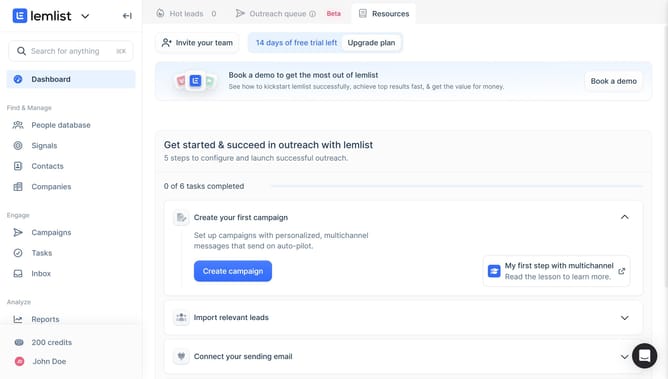
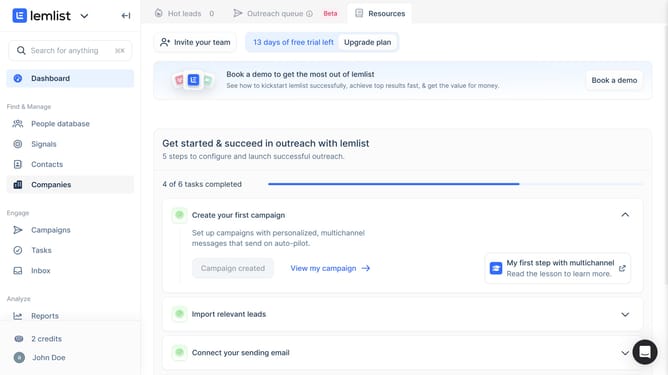
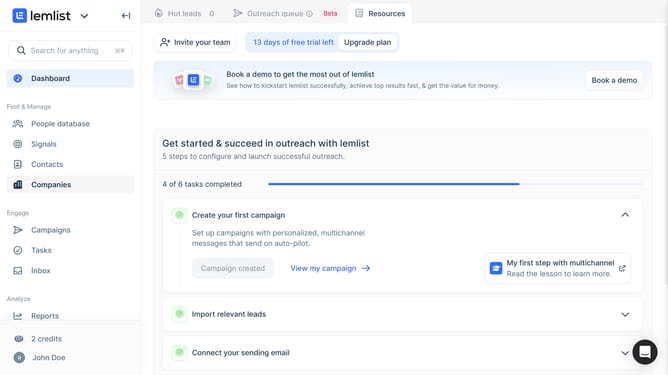
- First click on the "Contacts" menu item in the left sidebar under the "Find & Manage" section
- Then click on the contact name in the contacts list table to open more options
- Next click on the "Timezone" field in the contact details panel on the right side
- Finally select an option option from the timezone dropdown menu
Why should you manage timezone of a contact in Lemlist
Lemlist is a powerful email outreach platform designed to boost your engagement with personalized campaigns.
Managing a contact's timezone in Lemlist ensures that your communications reach them at the perfect moment.
By personalizing send times, you improve open rates and build stronger connections.
This timezone feature helps you respect your contact's daily rhythm, enhancing both response rates and engagement strategies.
Last update