How to open a contact's linked in profile in Lemlist
Here is how to open a contact's linked in profile in lemlist
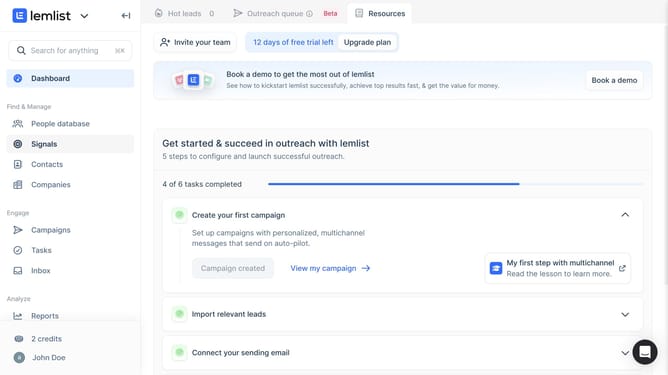
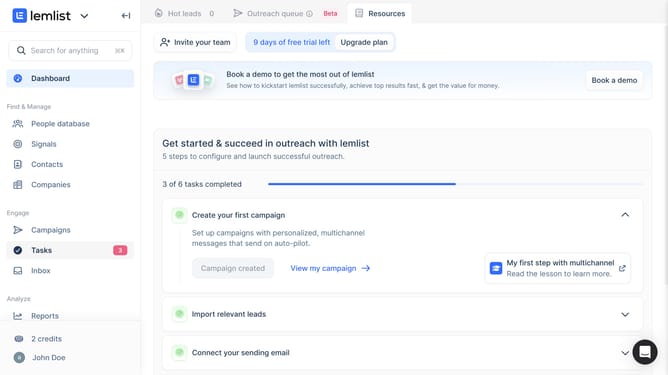
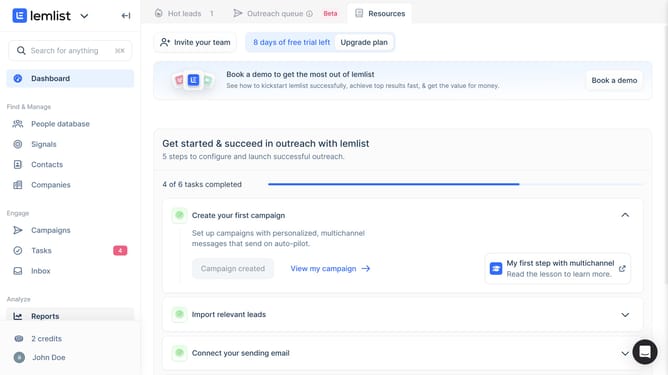
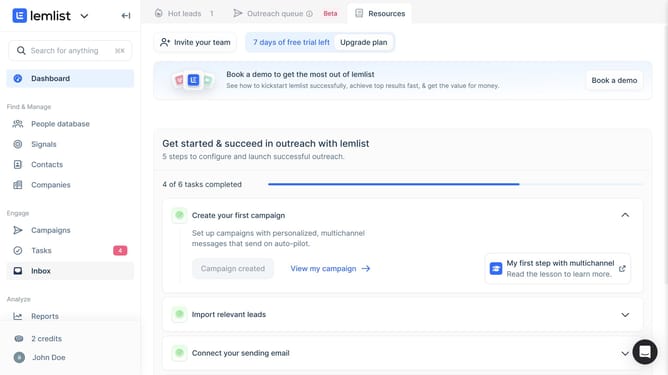
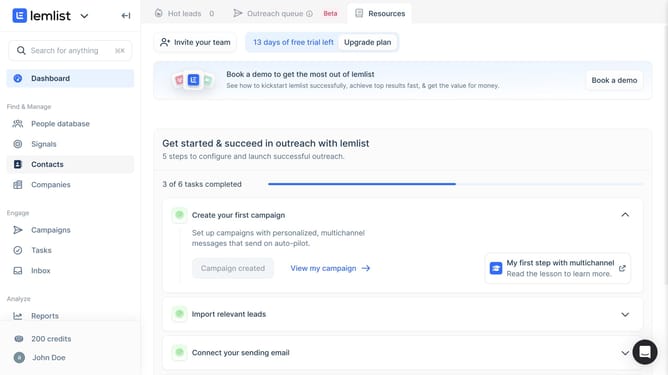
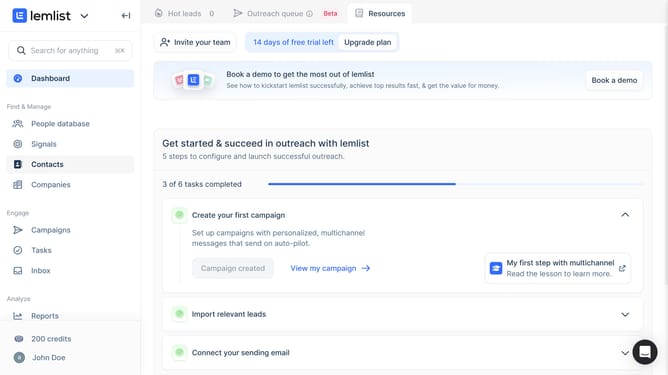
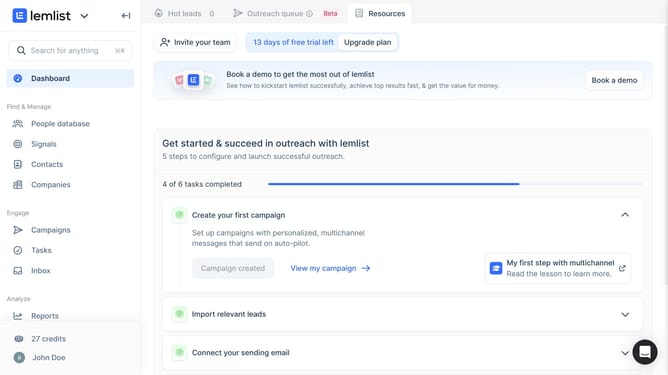
- First click on "Contacts" in the left sidebar under the Find & Manage section
- Then click on the contact name in the contacts list to open options
- Then click on the "General" tab in the contact details panel
- Finally click on the LinkedIn profile external link icon in the contact details
Why should you open a contact's linked in profile in Lemlist
Lemlist is an innovative platform tailored for enhancing email outreach campaigns with personalized and eye-catching emails.
A standout feature in Lemlist is the ability to seamlessly open a contact's LinkedIn profile directly from the platform.
This feature allows for deeper engagement and more personalized interactions, empowering users to gain insightful background on potential leads in an instant.
By integrating LinkedIn directly into its workflow, Lemlist enhances user efficiency, facilitating swift and informed decision-making.
Last update