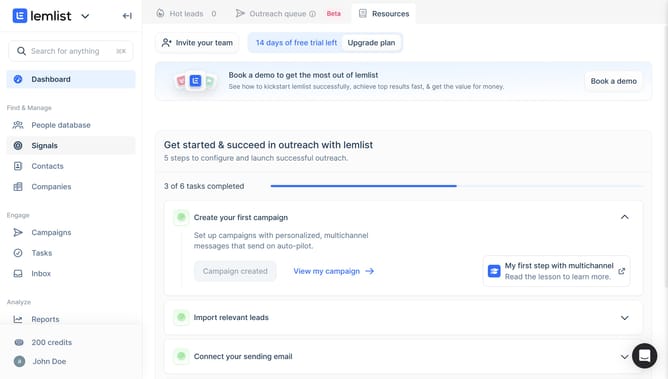
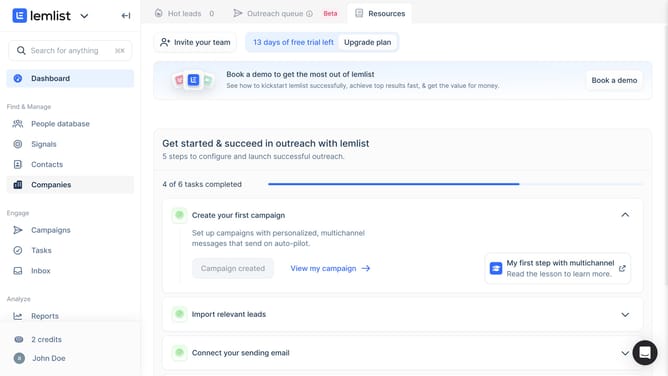
How to add a filter on contact list in Lemlist
Here is how to add a filter on contact list in lemlist
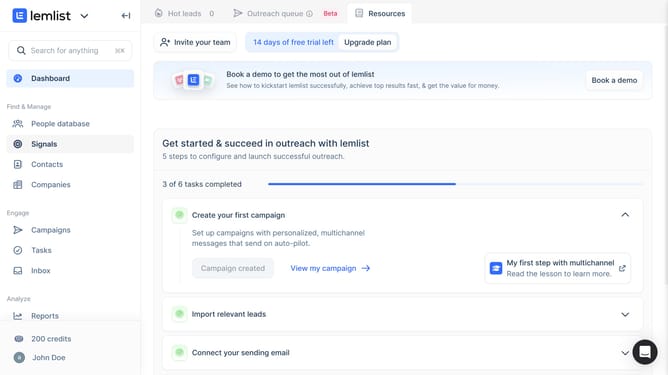
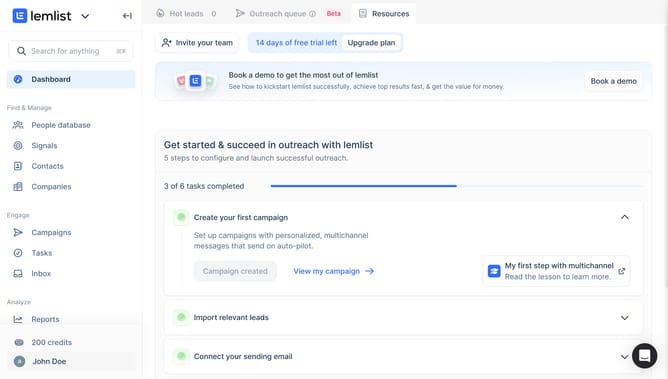
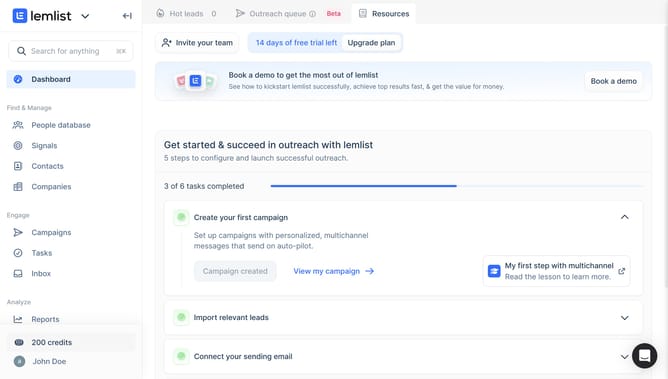
- First click on "Contacts" in the left sidebar under the Find & Manage section
- Then click on the "Filters" button in the top toolbar
- Next click on "Add a filter" button in the upper right area
- Then select from the filter dropdown menu that appears
- Finally click on an option from the deliverability filter options
Why should you add a filter on contact list in Lemlist
Lemlist is a powerful tool designed to revolutionize your email outreach strategy.
The ability to add a filter to your contact list in Lemlist is a key feature that enhances your ability to personalize email campaigns. This functionality allows users to segment their contacts based on specific criteria, ensuring that the right message reaches the right audience.
By utilizing filters, users can optimize their communication efforts, increase engagement rates, and achieve better conversion results, leading to more efficient and targeted outreach.
Last update