How to manage email sent limit in Lemlist
Here is how to manage email sent limit in lemlist
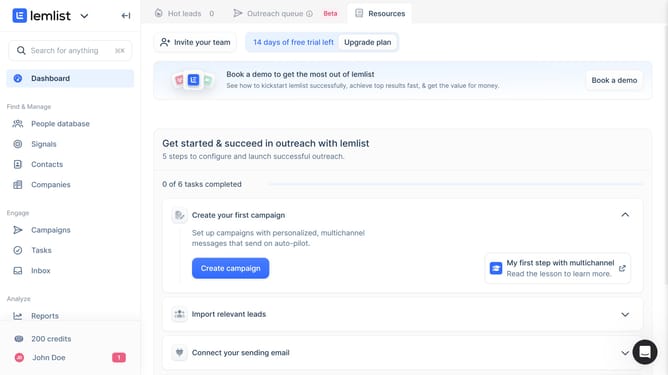
- First click on the profile button in the bottom left sidebar
- Then click on the "Settings" option in the dropdown menu
- Next click on the "Sending limits" option in the left sidebar under Account settings
- Then click on the increment button next to the "Maximum number of emails sent by lemlist in 24h" field to change the value to 40
- Finally, click anywhere in the screen as changes are automatically saved as indicated by the "Changes saved" notification that appears at the top of the page
Why should you manage email sent limit in Lemlist
Lemlist is a versatile tool designed to boost your email outreach with personalized campaigns.
Managing email sent limits in Lemlist is an essential feature that ensures your campaigns run smoothly without overwhelming servers or hitting spam filters.
This feature allows users to control the number of emails sent daily, maintaining a consistent dispatch that can enhance deliverability. By efficiently utilizing this capability, users can optimize their outreach strategy, leading to improved engagement and response rates.
Last update