How to update profile landline number in Lemlist
Here is how to update profile landline number in lemlist
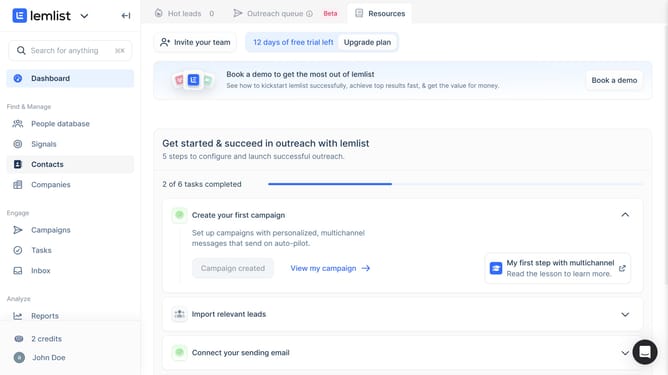
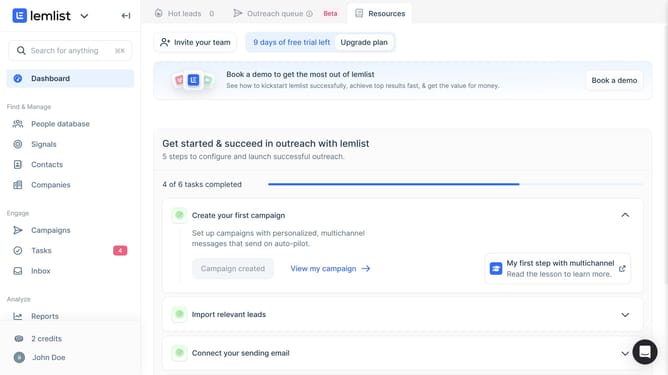
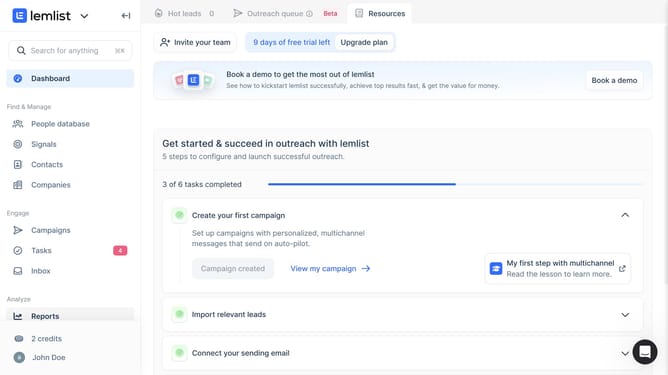
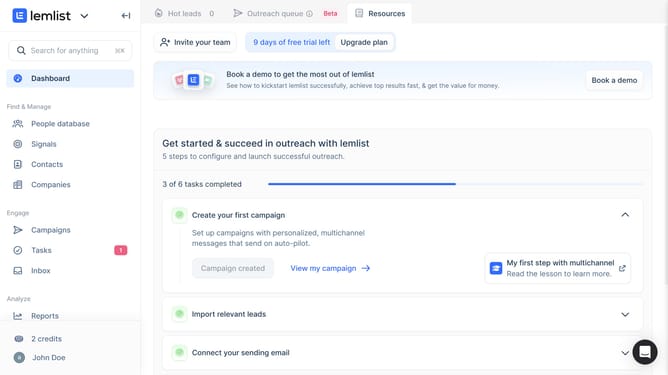
- First click on the profile button in the bottom left sidebar
- Then click on the "Settings" option in the dropdown menu
- Next click on the country code dropdown for the "Phone number (landline)" field
- Then click on the country search field and type your country to filter countries
- Next select from the filtered country list
- Then click on the phone number input field for "Phone number (landline)" and enter your landline number
- Finally click anywhere outside the input field to save changes
Why should you update profile landline number in Lemlist
Lemlist is a powerful tool designed to enhance your cold email outreach with personalized emails and automated follow-ups.
Keeping your profile information up to date, particularly your landline number, is vital for maintaining effective communication. Lemlist allows you to easily update your landline number, ensuring your contact details are accurate and current.
By keeping your details updated, you ensure seamless connections with your clients and prospects, ultimately leading to improved relationships and successful campaigns.
Regular updates reinforce your professionalism, highlighting your commitment to effective and reliable communication.
Last update